
Presents


Magnus Mårtensson
Microsoft Regional Director, Azure MVP, CEO Loftysoft
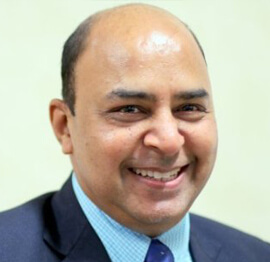
Avirag Jain
Director & CTO R Systems
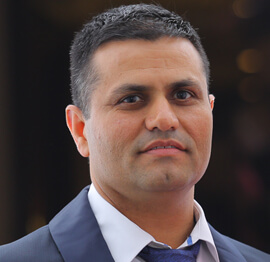
Mahesh Chand
Founder C# Corner, CEO Mindcracker

Chris Gali
CEO & Co-Founder Graphite

Subinder Khurana
Chief Architect StoryProcess, Founder NASSCOM DeepTech Club

Bryan Rishforth
Investor, Chairman Graphite

Bryn Everson
Director Biz Dev Graphite
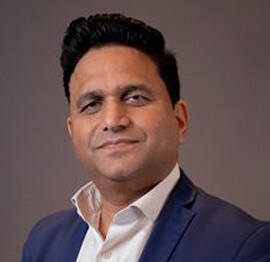
Raj Tiwari
Digital Transformation Leader, Futurist and Visionary
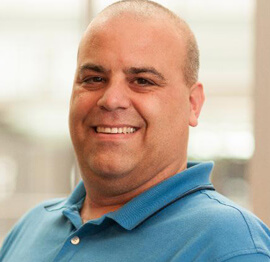
Joseph Guadagno
Microsoft MVP, Lead Quicken Loans

Nikita Sachdev
Entrepreneur, Blockchain Enthusiast & Advisor, Social Media Influencer
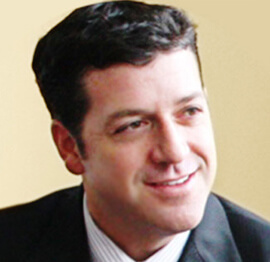
Doug Wagner
COO & Founder Adapt Technical Group

Ritesh Modi
Architect, Senior Evangelist, Cloud Architect

Crystal Wenrick
Director Communications Mindcracker

Allen O’Neill
Microsoft MVP, Consulting Engineer/Architect
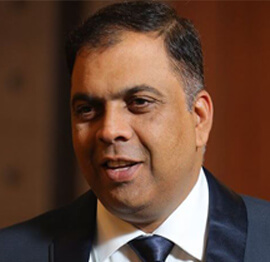
Praveen Kumar
CEO MCN Solutions
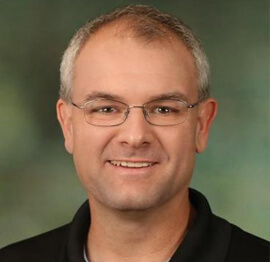
Chris Love
Founder Love2Dev, Microsoft MVP, Author

Sanjay Vyas
Microsoft Regional Director, Microsoft MVP, Founder & CEO SkillLabs Technologies
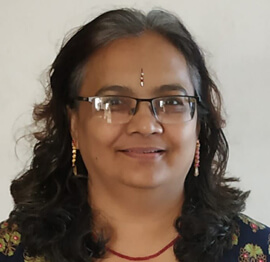
Veena Sarda
Deep Learning Consultant, Author

Sekhar Srinivasan
C# Corner MVP, Microsoft Certified Trainer, Pluralsight Author
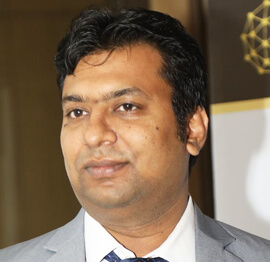
Lalit Bansal
Founder & CEO - EIY SYS
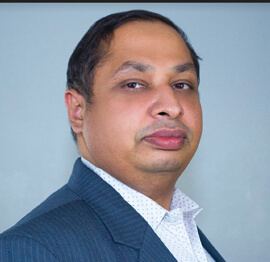
Navdeep Garg
CEO Revinfotech
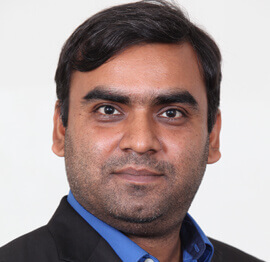
Prakash Tripathi
Tech Manager/Leader, Microsoft MVP, Blogger
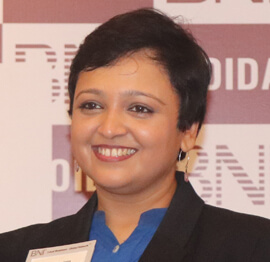
Bhavna Jain
Breakthrough Consultant

Naveen Sharma
Enterprise Architect, Leadership Coach, Author
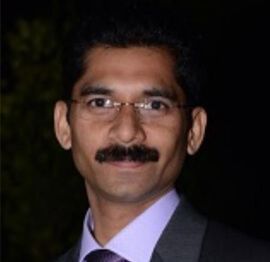
Vidya Vrat Agarwal
Principal Architect, Microsoft MVP, Author

Sheetal Agarwal
Founder Clownselors, Medical Clown, Trainer

Abhishek Kant
Founder GTM Catalyst

Vishnu Saran
Founder & CEO VoiceQube

Sandeep Soni
Founder & CEO Deccansoft, Microsoft Certified Trainer
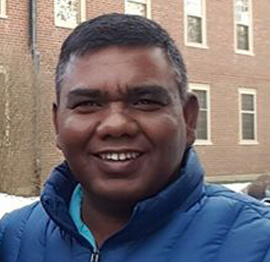
Parveen Malik
AVP InfoSec & Vulnerability Management, Information Security Expert

Nitin Pandit
Microsoft MVP, Developer Evangelist, Author
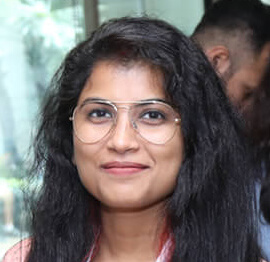
Niloshima Srivastava
C# Corner MVP, Tech Architect, Trainer, Blogger

Bala Chirtsabesan
Senior Software Engineer at Microsoft, Author
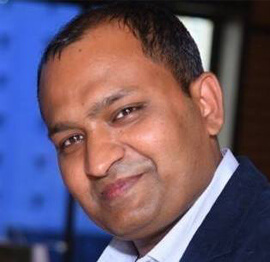
Manoj Mittal
Sr. Technical Architect, C# Corner MVP, Author
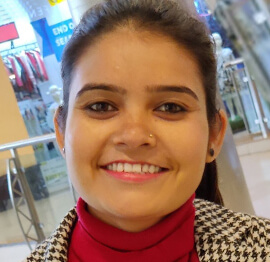
Chandni Di
Co-Founder Voice of Slum

Vithal Wadje
Technical Lead, Microsoft MVP, Author

Shivam Ahuja
Founder SkillCircle, Business Mentor

Chervine Bhiwoo
Solution Architect, Microsoft MVP, Author

Saurabh Jain
Vice President Paytm, Founder Fun2Do Labs, Author

Vinay Solanki
Head IoT at Lenovo, Founder IoT-NCR
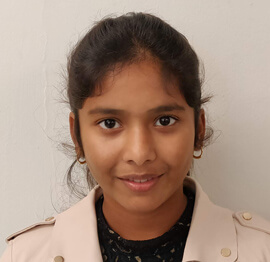
Anshu kumari
Founder Blockchainkids, Inventor, Trainer
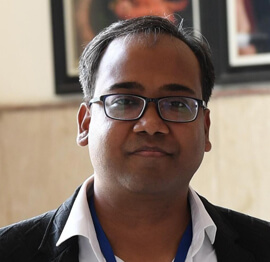
Amit Singal
CEO Startup Buddy
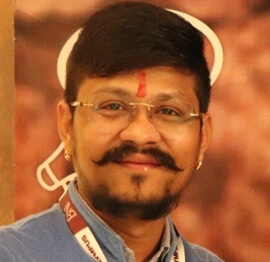
Dev Pratap
Co-Founder & CEO Voice of Slum

Amey Vartak
Technology Consultant, Full Stack Developer, C# Corner MVP, Author

Viswanatha Swamy
Principal Software Engineer, C# Corner MVP, Author

Sanket Verma
Research Engineer @ Ballistics (Forensics) and Chair, PyData Delhi
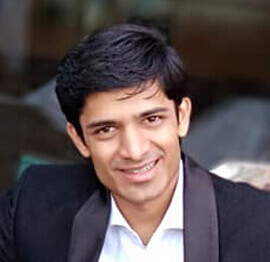
Sourabh Somani
Lead Developer, Microsoft MVP, Author
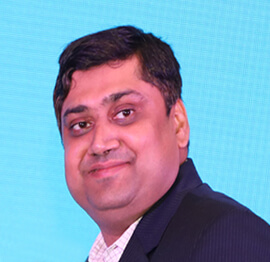
Abhishek Mishra
Software Architect, C# Corner MVP, Author

Siddharth Vaghasia
Technical Consultant, C# Corner MVP, Blogger
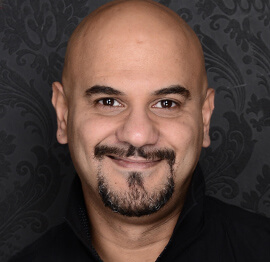
Bassam Alugili
Senior Software Specialist, Database Expert

S Ravi Kumar
Solution Architect, C# Corner MVP, Author

Sundaram Subramanian
Full Stack Developer, C# Corner MVP, Speaker

Deepesh Somani
Solution Architect, Microsoft MVP, Author
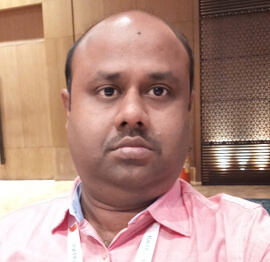
Debasis Saha
Technical Project Manager, C# Corner MVP, Blogger, Author
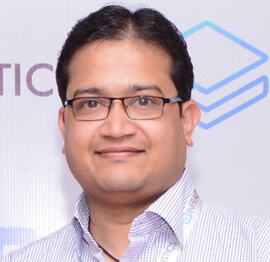
Vipul Jain
Software Architect, C# Corner MVP, Author

Akshay Patel
Technical Architect, Microsoft Certified Trainer, C# Corner MVP, Author

Stephen Simon
RPA Developer, Evangelist, Author
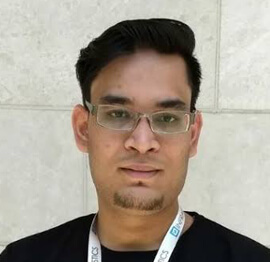
Vivek Sharma
Founder Kingster636, AR/VR Specialist
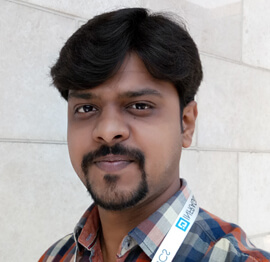
Jeetendra Gund
Technical Lead, C# Corner MVP, Author
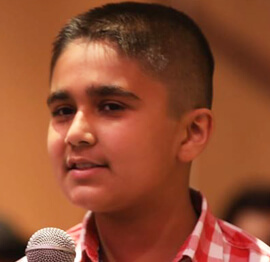
Sujal Beniwal
AI Enthusiast, Student

M Viknaraj
Microsoft MVP, Azure Architect, Author

Prasham Sabadra
Software Architect, C# Corner MVP, Trainer, Author

Aakash Maurya
Senior Developer, C# Corner MVP, Speaker

Ankit Sharma
Senior Software Engineer, C# Corner MVP, Author

Mangesh Gaherwar
Team Lead, C# Corner MVP, Author

Viral Jain
Technical Consultant, C# Corner MVP, Author
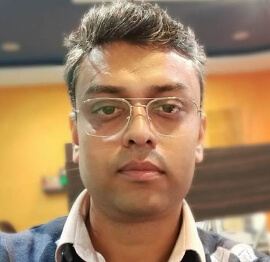
Bhasker Das
Solution Architect, Evangelist

Manish Dwivedi
Associate Project Manager

Ck Nitin
Programmer, Author

Rohit Gupta
Technical Trainer, Author

Manish Tewatia
Full-stack Marketer, UX Designer

Bhavya Gaur
Technical Illustrator
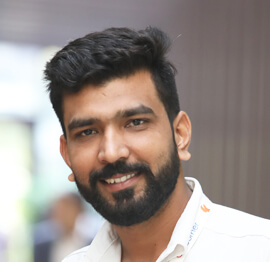
Rohit Tomar
SEO/SMO Expert
Web Track
Cloud & Data Track
Dev Track
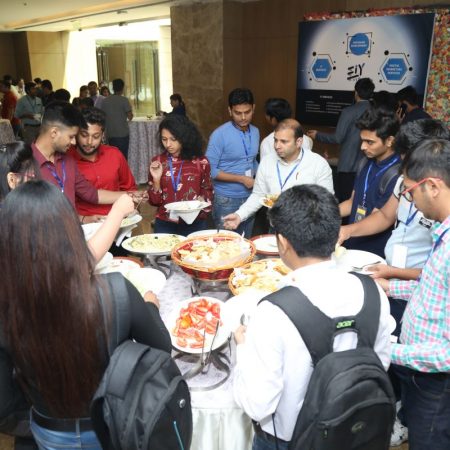
Registration & Breakfast
Future of Desktop Apps with JS (ElectronJs)
Nitin Pandit
Building Serverless Microservices Using Microsoft Azure
Vithal Wadje
Innovating RPA: A Robot for Every Person
Stephen Simon
Managing Cloud Storage Accounts using Logic Apps
Viknaraj Manogararajah
Data visualization using Python
Sekhar Srinivasan
Going Cross platform with AR Foundation
Vivek Sharma
Keynote
Managing your Azure dependencies in ASP.NET Core apps using VS
Bala Chirtsabesan
Securing Applications on Intelligent Azure
Abhishek Mishra
Getting started with Blazor the Framework of Future
S Ravi Kumar
Lunch
Build Progressive Web Apps using Angular 9
Debasis Saha
Build and deploy to any platform using Azure DevOps
Chervine Bhiwoo
Deep Dive in Azure Service Bus
Akshay Patel
Build a Native Mobile Application using React Native and JavaScript
Joseph Guadagno
Making sense of Web Job, Web Job SDK and Functions in Azure
Prakash Tripathi
CloudFront Distribution in AWS
Viral Jain
Tea Break
Introduction to PowerBI
Aakash Maurya
Build Advanced SPFx solutions with React and Graph API
Siddharth Vaghasia
Build Business Intelligence Analyst (BIA) Skills
Sundaram Subramanian
Deep dive of Power Platform – AI BUILDER
Prasham Sabadra
Panel 1
What's new in SharePoint development
Vipul Jain
Build a SSO (Single Sign On) based Native JavaScript application with Microsoft Identity within 10 minutes
Manoj Mittal
Panel 2
Applications and working of AI
Veena Sarda
Deploying serverless API's with .Net core 3.0 on AWS & Azure
Amey Vartak
Panel 3
Blockchain with .NET Core (Ark)
Anshu Kumari
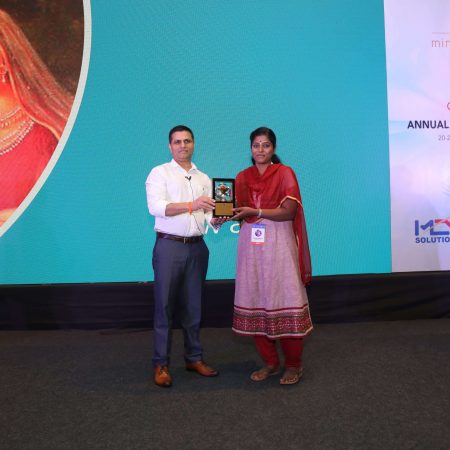
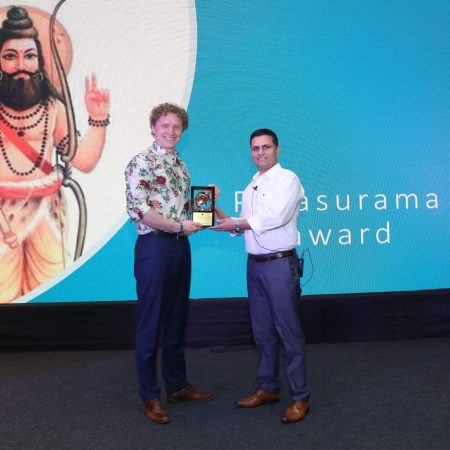
Closing Note & Prize Distribution
Dev Track
Cloud Track
Architecture Track
Emerging Tech Track
Registration & Breakfast
Creating Full-Stack Web Apps Using Server-Side Blazor
Ankit Sharma
Real time face recognition with MS Cognitive Services
Niloshima Srivastava
Building Scalable APIs with GraphQL
Jeetendra Gund
Future of development with AI and Blockchain
Navdeep Garg
Debugging Tips and Tricks with Visual Studio 2019
Joseph Guadagno
Azure Containers
Abhishek Kant
Enterprise Architecture
Naveen Sharma
Bot Framework - learn it fast and look like a boss!
Allen O’Neill
Keynote
.Net Core & C# 8 Performance
David McCarter
Working with Azure kubernetes services
Ritesh Modi
Becoming an Architect
Vidyavrat Agarwal
Why Techies Need to Learn Product Management
Saurabh Jain
Lunch
Build a rules engine in .Net Core
Sanjay Vyas
Building CI and CD Pipeline using Azure DevOps
Sandeep Soni
Entity Framework Core - Tips and Tricks, Performance Optimization, and Tuning
Bassam Alugili
Hacking your way into Data Science
Sanket Verma
Speed up your .Net Core Website
Sourabh Somani
Azure
Magnus Mårtensson
Demystifying Open Distro for Elasticsearch
Suman Debnath
Future of Data
Shivam Ahuja
Tea Break
gRPC with C# and .Net Core
Mangesh Gaherwar
Panel 1
Essentials of Cloud security
Parveen Malik
Power platform and Dynamics 365
Deepesh Somani
Microservices - the gRPC Way
Viswanatha Swamy
Panel 2
Reserved
Reserved
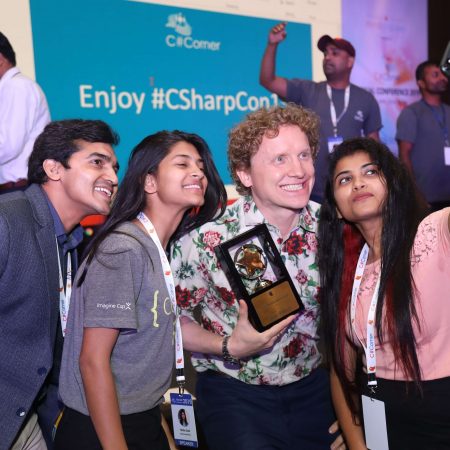
Closing Note & Prize Distribution
Practical custom telemetry in C# with Azure Application Insights
Custom telemetry becomes useful when a business event, performance measurement, or failure needs to be traced beyond a single log message. Using Azure Application Insights with custom telemetry in C# lets developers connect application behaviour to a common operational record. Unlike raw console output, these signals can be correlated with requests, filtered by environment or customer tier, and explored through dashboards and queries from an Azure Monitor workspace.
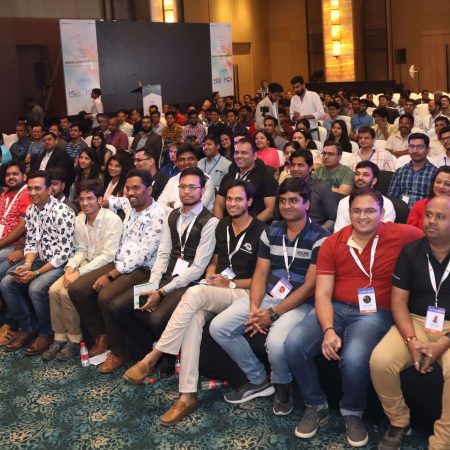
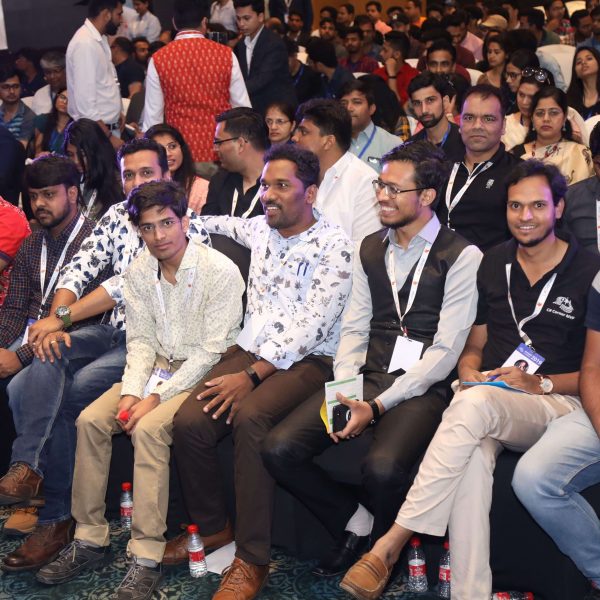
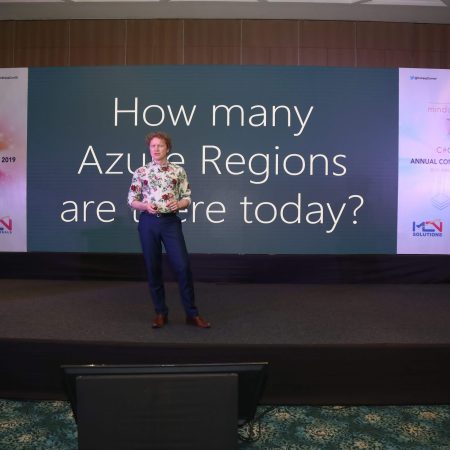
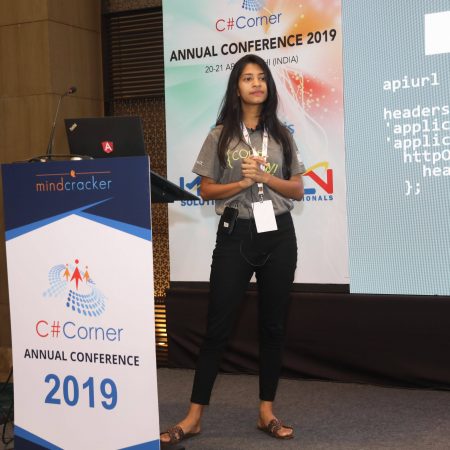
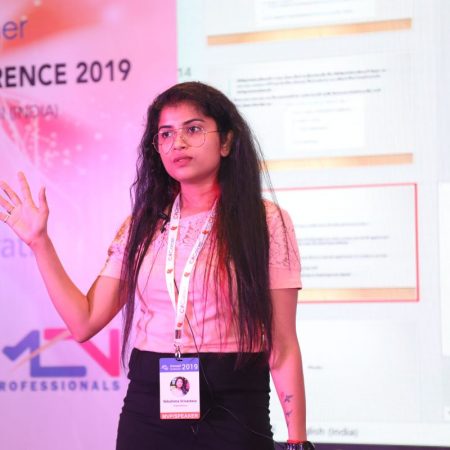
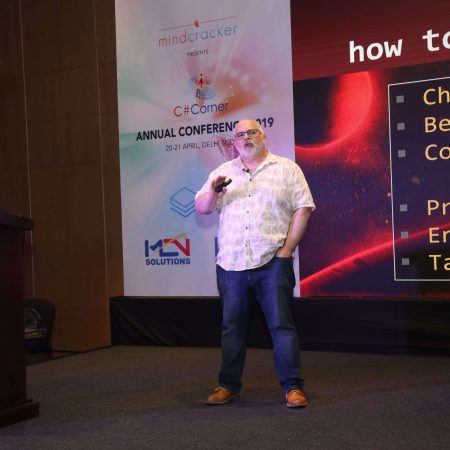
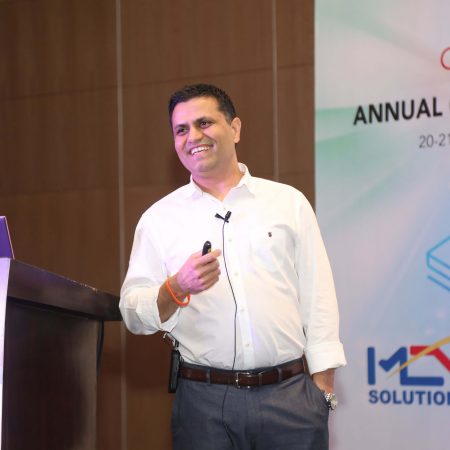
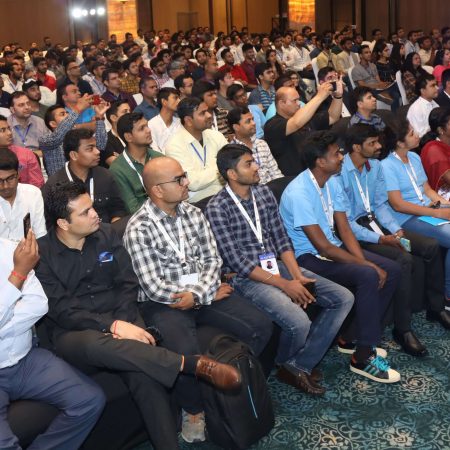
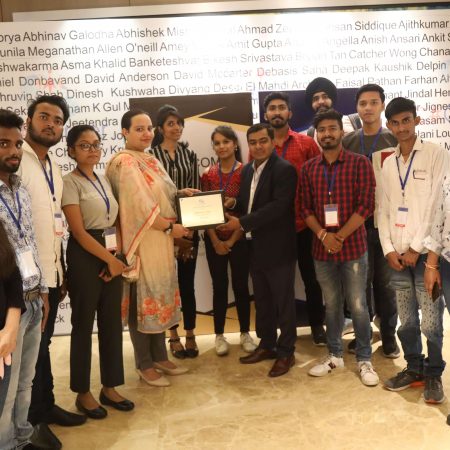
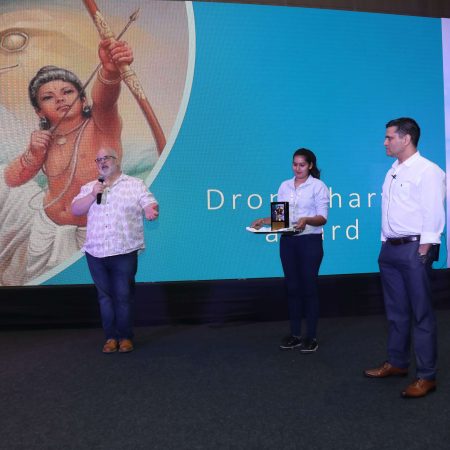
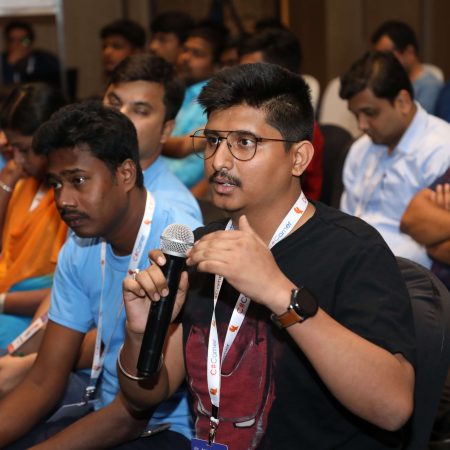
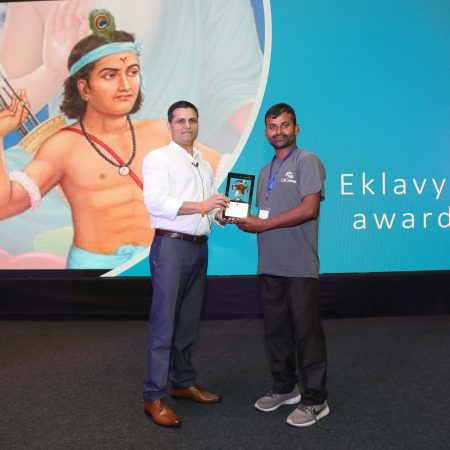
The design must also distinguish what engineers need from what happens to be convenient to record. Every custom property adds ingestion volume, and every identifier can introduce privacy or cost concerns. These practical concerns run through the technical programme at the three-day C# Corner 2020 event, where software professionals examine Azure, cloud computing, data, web development, DevOps, AI and C# across parallel technical tracks.
Connect C# telemetry to the right Azure resources
An Application Insights resource provides the ingestion endpoint and query surface for telemetry generated by a .NET workload. In a workspace-based setup, it connects to a Log Analytics workspace where the underlying data is retained and queried. The application normally receives a connection string through APPLICATIONINSIGHTS_CONNECTION_STRING; storing that value in application configuration or Key Vault keeps environment-specific details out of source control.
The operational signals fall into several distinct categories:
| Signal | Best suited for | Typical C# mechanism | Primary control |
|---|---|---|---|
| Requests and dependencies | Latency, failures, and service calls | Automatic instrumentation or TrackDependency |
Sampling and target selection |
| Business events | Discrete domain occurrences | TrackEvent |
Stable names and limited properties |
| Diagnostic messages | Temporary investigation detail | TrackTrace |
Severity and retention |
| Exceptions and metrics | Failure rate and measured behaviour | TrackException or metric recording |
Error retention and dimension cardinality |
Each deployed workload should have a clear cloud role name, such as orders-api or inventory-worker. Without that distinction, telemetry from several services can blend together in dashboards and alerts. Application Insights also benefits from automatic request collection because it provides the baseline connection between custom events and the web requests that caused them.
Model events, metrics, traces, and exceptions
A dependable telemetry contract begins with stable semantics. An event named OrderSubmitted should represent one completed submission, whether it originated on the website, inside a mobile application, or through an automated integration. Changing the name for every screen or endpoint fragments the data and makes historical queries unreliable.
A small C# client can publish the event without coupling business code to the Azure resource itself:
var telemetry = new TelemetryClient(new TelemetryConfiguration
{
    ConnectionString = Environment.GetEnvironmentVariable(
        "APPLICATIONINSIGHTS_CONNECTION_STRING"),
    CloudRoleName = "orders-api"
});

telemetry.TrackEvent("OrderSubmitted",
    new Dictionary<string, string>
    {
        ["channel"] = "web",
        ["paymentMethod"] = "card"
    });
The client should normally be registered once and reused through dependency injection rather than constructed for every request. Custom events work well for discrete business actions, while metrics represent measurements that can be aggregated over time. A queue-depth measurement, for example, should use the metric API so dashboards can chart its minimum, maximum and average instead of counting every sample as an event.
Traces provide contextual detail for investigation, and exceptions capture failures with their stack information. Developers should avoid using exception messages as event names because messages change between releases and can expose sensitive values. Custom properties should use low-cardinality values such as channel, deployment environment or feature flag. Names, email addresses, payment details and full order payloads have no place in ordinary telemetry.
Preserve context across service boundaries
Requests that remain inside one ASP.NET Core process are usually correlated automatically, but asynchronous work and message consumers require deliberate handling. System.Diagnostics.Activity carries the current operation through asynchronous calls using the ambient execution context. Reading Activity.Current allows custom telemetry to inherit the same trace and span information as the request that initiated it.
When a message moves through Azure Service Bus or another queue, the parent context must be copied into message properties. The receiving worker should restore that context before processing the message and publishing its own events. This creates a continuous path from the initial customer request through the background operation, allowing engineers to inspect related items in Transaction Search or an Application Map view.
Manually recorded dependencies should be limited to calls that automatic instrumentation cannot observe. Recording both an automatically instrumented HTTP request and a manual TrackDependency item doubles the apparent call count and distorts latency reports. Each dependency should also have a meaningful target, operation name and result code so that failure rates remain comparable between services.
Control data quality, cost, and privacy
Telemetry initializers and processors provide two complementary controls. An initializer can add consistent context such as the deployment environment, service region or build version. A processor can remove unsupported properties, suppress noisy signals or redact values before an item leaves the process. These controls are more reliable than trusting every code path to follow the same naming and privacy conventions.
Australian teams commonly select Australia East, located near Newcastle, or Australia Southeast in Melbourne for regional workloads and Log Analytics workspaces, subject to current Azure service availability. This can reduce latency for organisations in Sydney and Melbourne while supporting local data-residency requirements. A workspace’s location does not automatically settle every data-handling question, particularly when exports, support access or cross-border diagnostics are involved, so procurement and security teams should verify the applicable terms.
For Australian SaaS, financial-services and government customers, telemetry can fall under the Privacy Act 1988 when it contains identifiable information. Hashing a user identifier may reduce exposure, but it does not automatically make the data anonymous. Customer identifiers, IP addresses and support details should be assessed before being recorded. Australian security practices commonly align monitoring access, audit trails and incident response with the Australian Signals Directorate’s ASD Essential Eight.
Telemetry volume also consumes Application Insights ingestion allowance and can create unnecessary cost. Sampling is appropriate for high-volume diagnostic traces, but critical exceptions and carefully selected business events usually need a higher retention rate. Teams in Perth, Brisbane and Adelaide should validate latency from each location and plan capacity around Australian business hours, including the daylight-saving transitions between AEST and AEDT. UTC timestamps remain essential when dashboards compare incidents across states.
Operational patterns for dependable telemetry
Signal design should be reviewed as part of the application design rather than added after a production incident.
Signal quality checklist
- Use versioned, stable event names with documented business meanings.
- Keep dimensions low-cardinality and avoid customer-specific property values.
- Exclude personal, financial and authentication data by default.
- Define an expected event rate and a useful measurement window.
Controlled rollout checklist
- Establish automatic request and dependency telemetry first.
- Add one business event and one operational metric.
- Exercise the flow with synthetic data in each environment.
- Compare volume, latency and cost during Australian business hours.
A staged rollout allows the team to confirm that an event appears once, carries the expected correlation identifiers and remains useful in a Kusto query. It also gives support engineers time to learn the new signal before dashboards depend on it. Event ownership should sit with the team that owns the business process, while the platform team maintains the shared client, regional configuration and access controls.
Deploy, observe, and improve the pipeline
Deployment should give each environment its own Application Insights connection string. Azure App Service, Container Apps and Functions can receive the setting from application configuration without embedding it in an image. Managed identities can secure query, dashboard and alert workflows where supported, while access to the ingestion connection string should remain restricted.
Validation begins with a known test event and a query against the corresponding custom item type:
customEvents
| where name == "OrderSubmitted"
| summarize count() by bin(timestamp, 5m), cloud_RoleName
Similar checks apply to customMetrics, customTraces and exceptions. Live Metrics can reveal whether a signal is arriving continuously, while Application Map shows whether requests and dependencies form the expected topology. Azure Monitor alerts can then reference exception rates, p95 latency, unusual metric values or the absence of a critical event.
The telemetry model should evolve through reviewed schema changes. Owners can retire unused properties, document renamed events and adjust sampling after observing real traffic. With disciplined naming, regional governance and correlation across service boundaries, Azure Application Insights becomes a dependable operational layer for .NET teams rather than merely another destination for diagnostic logs.








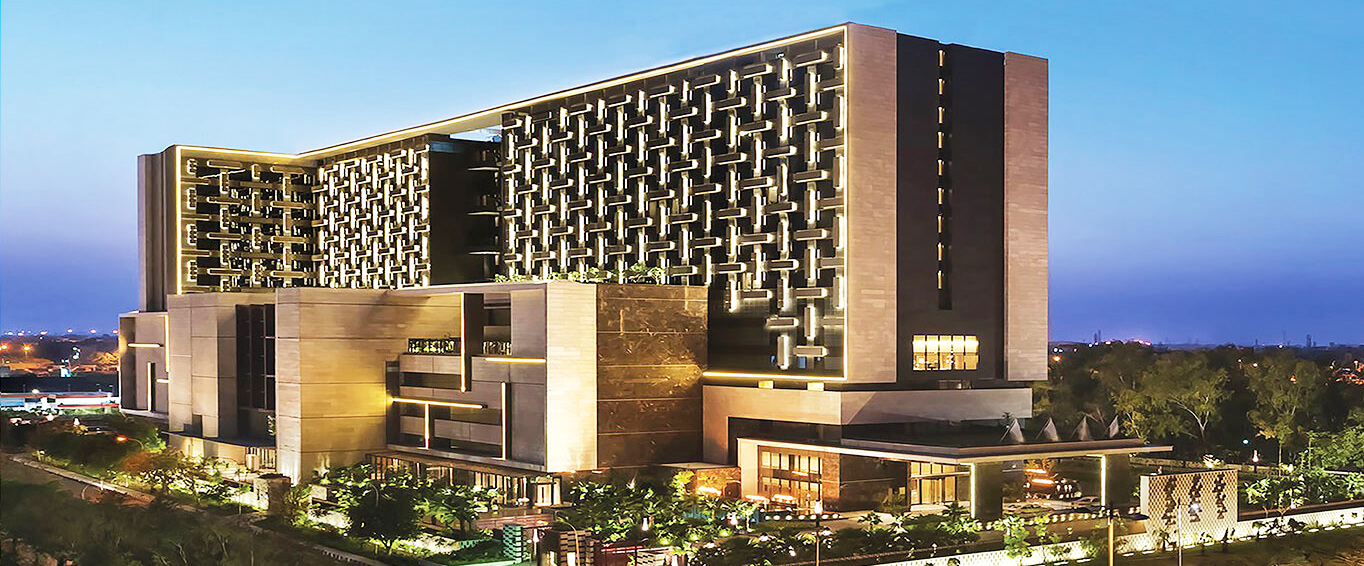
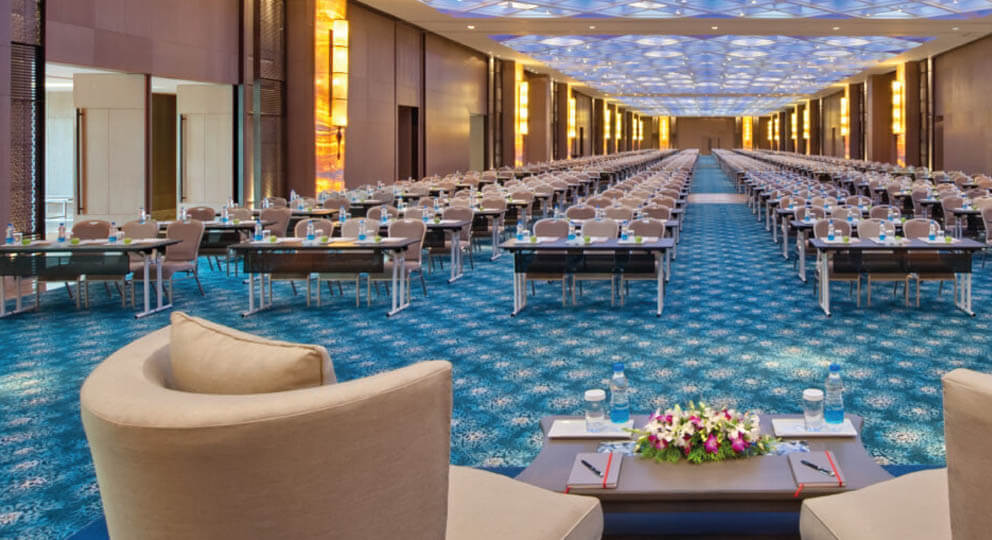
1, CBD, Maharaj Surajmal Road, Near Yamuna Sports Complex, Delhi, 110032


GENERAL QUERIES
Manish Tewatia
manish@csharpcon.com
+91-9718-431-042
TICKET QUERIES
Atul Gupta
conference@csharpcon.com
+91-9910-125-804