
Presents


Magnus Mårtensson
Microsoft Regional Director, Azure MVP, CEO Loftysoft
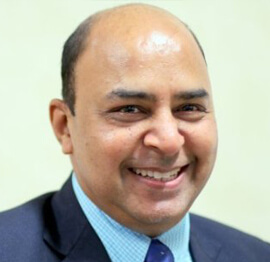
Avirag Jain
Director & CTO R Systems

Mahesh Chand
Founder C# Corner, CEO Mindcracker

Chris Gali
CEO & Co-Founder Graphite

Subinder Khurana
Chief Architect StoryProcess, Founder NASSCOM DeepTech Club

Bryan Rishforth
Investor, Chairman Graphite

Bryn Everson
Director Biz Dev Graphite
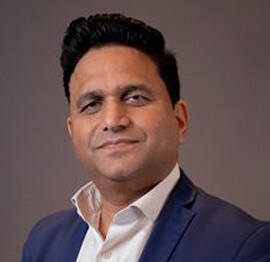
Raj Tiwari
Digital Transformation Leader, Futurist and Visionary
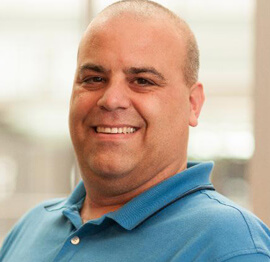
Joseph Guadagno
Microsoft MVP, Lead Quicken Loans

Nikita Sachdev
Entrepreneur, Blockchain Enthusiast & Advisor, Social Media Influencer

Doug Wagner
COO & Founder Adapt Technical Group

Ritesh Modi
Architect, Senior Evangelist, Cloud Architect

Crystal Wenrick
Director Communications Mindcracker

Allen O’Neill
Microsoft MVP, Consulting Engineer/Architect
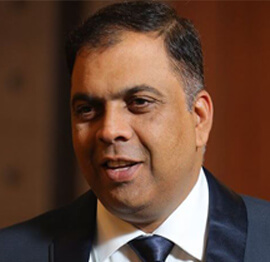
Praveen Kumar
CEO MCN Solutions

Chris Love
Founder Love2Dev, Microsoft MVP, Author

Sanjay Vyas
Microsoft Regional Director, Microsoft MVP, Founder & CEO SkillLabs Technologies

Veena Sarda
Deep Learning Consultant, Author

Sekhar Srinivasan
C# Corner MVP, Microsoft Certified Trainer, Pluralsight Author
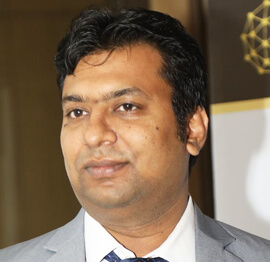
Lalit Bansal
Founder & CEO - EIY SYS

Navdeep Garg
CEO Revinfotech

Prakash Tripathi
Tech Manager/Leader, Microsoft MVP, Blogger
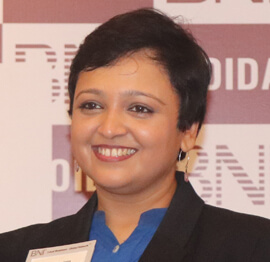
Bhavna Jain
Breakthrough Consultant

Naveen Sharma
Enterprise Architect, Leadership Coach, Author
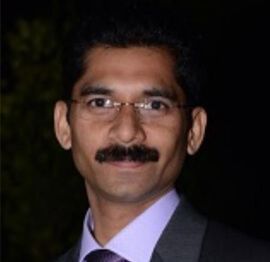
Vidya Vrat Agarwal
Principal Architect, Microsoft MVP, Author

Sheetal Agarwal
Founder Clownselors, Medical Clown, Trainer

Abhishek Kant
Founder GTM Catalyst

Vishnu Saran
Founder & CEO VoiceQube

Sandeep Soni
Founder & CEO Deccansoft, Microsoft Certified Trainer

Parveen Malik
AVP InfoSec & Vulnerability Management, Information Security Expert

Nitin Pandit
Microsoft MVP, Developer Evangelist, Author

Niloshima Srivastava
C# Corner MVP, Tech Architect, Trainer, Blogger

Bala Chirtsabesan
Senior Software Engineer at Microsoft, Author

Manoj Mittal
Sr. Technical Architect, C# Corner MVP, Author

Chandni Di
Co-Founder Voice of Slum

Vithal Wadje
Technical Lead, Microsoft MVP, Author

Shivam Ahuja
Founder SkillCircle, Business Mentor

Chervine Bhiwoo
Solution Architect, Microsoft MVP, Author

Saurabh Jain
Vice President Paytm, Founder Fun2Do Labs, Author

Vinay Solanki
Head IoT at Lenovo, Founder IoT-NCR

Anshu kumari
Founder Blockchainkids, Inventor, Trainer

Amit Singal
CEO Startup Buddy

Dev Pratap
Co-Founder & CEO Voice of Slum

Amey Vartak
Technology Consultant, Full Stack Developer, C# Corner MVP, Author

Viswanatha Swamy
Principal Software Engineer, C# Corner MVP, Author

Sanket Verma
Research Engineer @ Ballistics (Forensics) and Chair, PyData Delhi

Sourabh Somani
Lead Developer, Microsoft MVP, Author

Abhishek Mishra
Software Architect, C# Corner MVP, Author

Siddharth Vaghasia
Technical Consultant, C# Corner MVP, Blogger
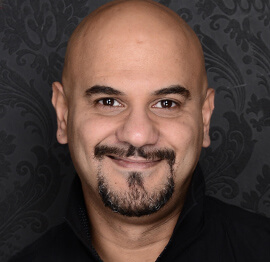
Bassam Alugili
Senior Software Specialist, Database Expert

S Ravi Kumar
Solution Architect, C# Corner MVP, Author

Sundaram Subramanian
Full Stack Developer, C# Corner MVP, Speaker

Deepesh Somani
Solution Architect, Microsoft MVP, Author

Debasis Saha
Technical Project Manager, C# Corner MVP, Blogger, Author

Vipul Jain
Software Architect, C# Corner MVP, Author

Akshay Patel
Technical Architect, Microsoft Certified Trainer, C# Corner MVP, Author

Stephen Simon
RPA Developer, Evangelist, Author

Vivek Sharma
Founder Kingster636, AR/VR Specialist

Jeetendra Gund
Technical Lead, C# Corner MVP, Author

Sujal Beniwal
AI Enthusiast, Student

M Viknaraj
Microsoft MVP, Azure Architect, Author

Prasham Sabadra
Software Architect, C# Corner MVP, Trainer, Author

Aakash Maurya
Senior Developer, C# Corner MVP, Speaker

Ankit Sharma
Senior Software Engineer, C# Corner MVP, Author

Mangesh Gaherwar
Team Lead, C# Corner MVP, Author

Viral Jain
Technical Consultant, C# Corner MVP, Author

Bhasker Das
Solution Architect, Evangelist

Manish Dwivedi
Associate Project Manager

Ck Nitin
Programmer, Author

Rohit Gupta
Technical Trainer, Author

Manish Tewatia
Full-stack Marketer, UX Designer

Bhavya Gaur
Technical Illustrator

Rohit Tomar
SEO/SMO Expert
Web Track
Cloud & Data Track
Dev Track
Registration & Breakfast
Future of Desktop Apps with JS (ElectronJs)
Nitin Pandit
Building Serverless Microservices Using Microsoft Azure
Vithal Wadje
Innovating RPA: A Robot for Every Person
Stephen Simon
Managing Cloud Storage Accounts using Logic Apps
Viknaraj Manogararajah
Data visualization using Python
Sekhar Srinivasan
Going Cross platform with AR Foundation
Vivek Sharma
Keynote
Managing your Azure dependencies in ASP.NET Core apps using VS
Bala Chirtsabesan
Securing Applications on Intelligent Azure
Abhishek Mishra
Getting started with Blazor the Framework of Future
S Ravi Kumar
Lunch
Build Progressive Web Apps using Angular 9
Debasis Saha
Build and deploy to any platform using Azure DevOps
Chervine Bhiwoo
Deep Dive in Azure Service Bus
Akshay Patel
Build a Native Mobile Application using React Native and JavaScript
Joseph Guadagno
Making sense of Web Job, Web Job SDK and Functions in Azure
Prakash Tripathi
CloudFront Distribution in AWS
Viral Jain
Tea Break
Introduction to PowerBI
Aakash Maurya
Build Advanced SPFx solutions with React and Graph API
Siddharth Vaghasia
Build Business Intelligence Analyst (BIA) Skills
Sundaram Subramanian
Deep dive of Power Platform – AI BUILDER
Prasham Sabadra
Panel 1
What's new in SharePoint development
Vipul Jain
Build a SSO (Single Sign On) based Native JavaScript application with Microsoft Identity within 10 minutes
Manoj Mittal
Panel 2
Applications and working of AI
Veena Sarda
Deploying serverless API's with .Net core 3.0 on AWS & Azure
Amey Vartak
Panel 3
Blockchain with .NET Core (Ark)
Anshu Kumari
Closing Note & Prize Distribution
Dev Track
Cloud Track
Architecture Track
Emerging Tech Track
Registration & Breakfast
Creating Full-Stack Web Apps Using Server-Side Blazor
Ankit Sharma
Real time face recognition with MS Cognitive Services
Niloshima Srivastava
Building Scalable APIs with GraphQL
Jeetendra Gund
Future of development with AI and Blockchain
Navdeep Garg
Debugging Tips and Tricks with Visual Studio 2019
Joseph Guadagno
Azure Containers
Abhishek Kant
Enterprise Architecture
Naveen Sharma
Bot Framework - learn it fast and look like a boss!
Allen O’Neill
Keynote
.Net Core & C# 8 Performance
David McCarter
Working with Azure kubernetes services
Ritesh Modi
Becoming an Architect
Vidyavrat Agarwal
Why Techies Need to Learn Product Management
Saurabh Jain
Lunch
Build a rules engine in .Net Core
Sanjay Vyas
Building CI and CD Pipeline using Azure DevOps
Sandeep Soni
Entity Framework Core - Tips and Tricks, Performance Optimization, and Tuning
Bassam Alugili
Hacking your way into Data Science
Sanket Verma
Speed up your .Net Core Website
Sourabh Somani
Azure
Magnus Mårtensson
Demystifying Open Distro for Elasticsearch
Suman Debnath
Future of Data
Shivam Ahuja
Tea Break
gRPC with C# and .Net Core
Mangesh Gaherwar
Panel 1
Essentials of Cloud security
Parveen Malik
Power platform and Dynamics 365
Deepesh Somani
Microservices - the gRPC Way
Viswanatha Swamy
Panel 2
Reserved
Reserved
Closing Note & Prize Distribution
Graceful shutdown with cancellation tokens in C#
How to use cancellation tokens for graceful shutdown in C# async code is a practical requirement for services that must finish work, release resources, and exit without leaving partial operations. A CancellationToken signals that shutdown has begun; it does not forcibly terminate a thread. Well-designed methods observe the token at safe boundaries and unwind deliberately, whether the trigger is a deployment, a closed laptop, or an operating-system instruction.
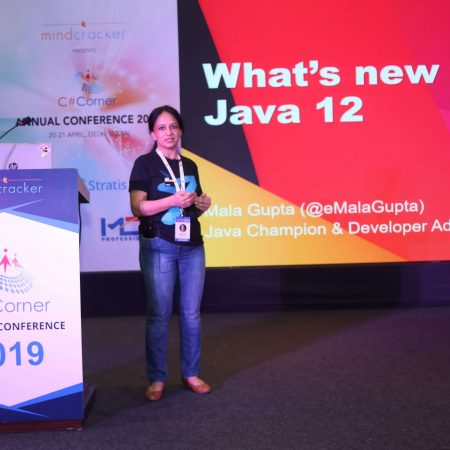
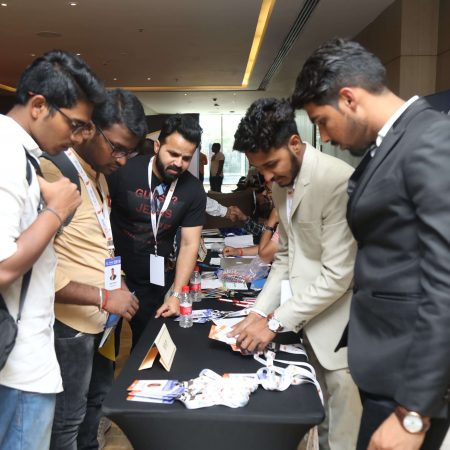
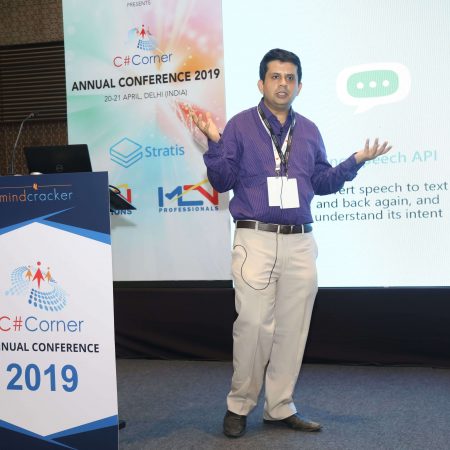
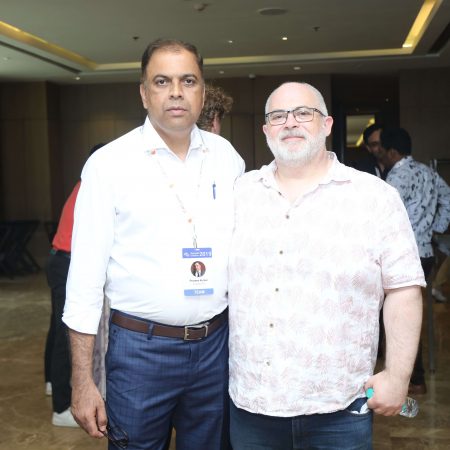
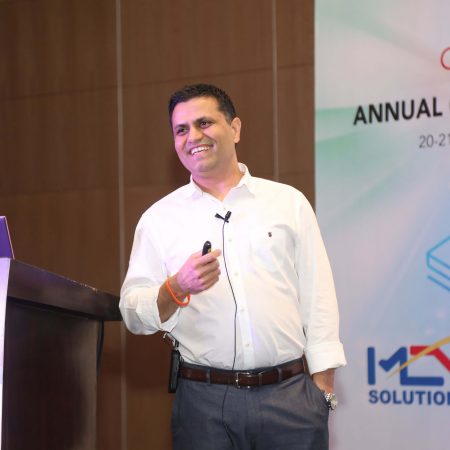
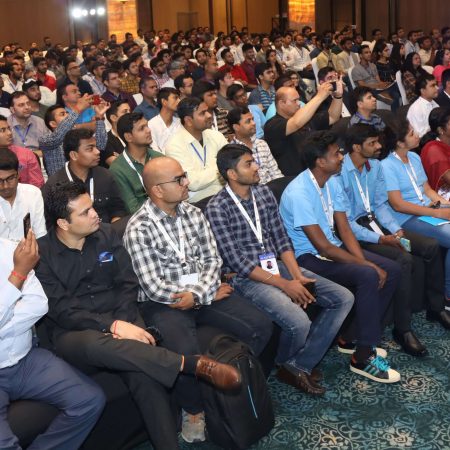
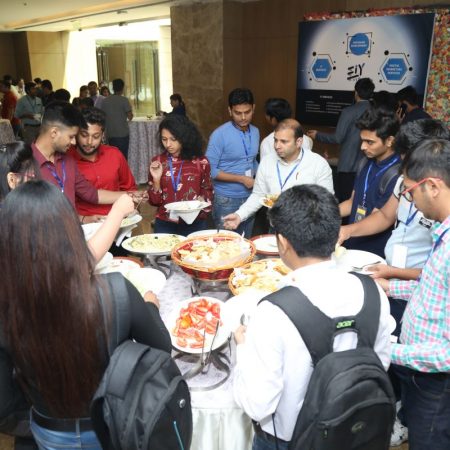
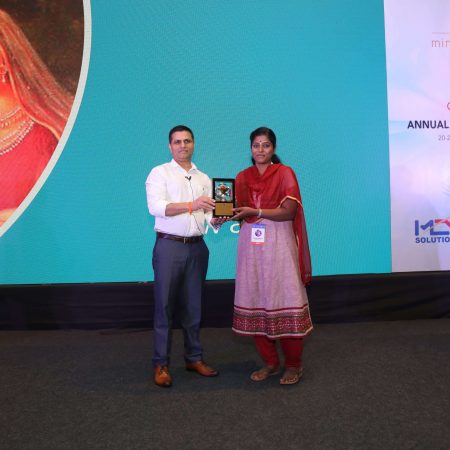
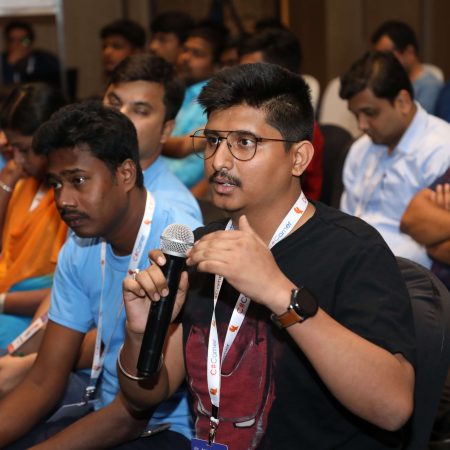
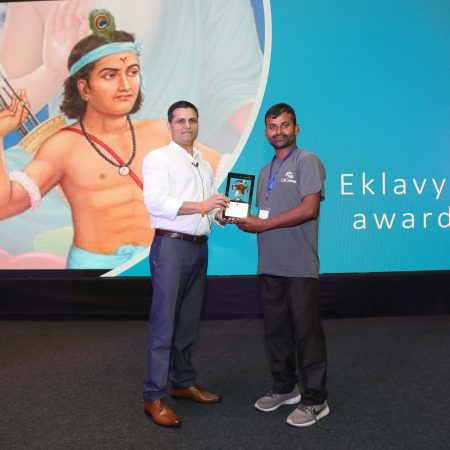
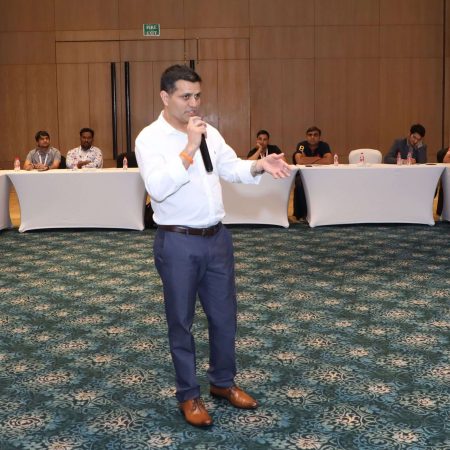
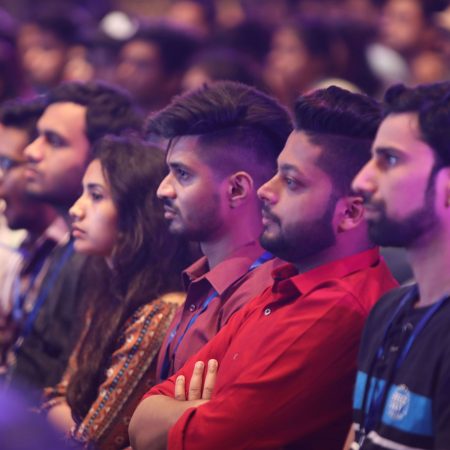
The C# Corner Annual Conference 2020 programme spans C#, Azure, cloud computing, data, web development, DevOps, AI and RPA, so reliable async lifecycle management belongs alongside its cloud and application sessions. The multi-day agenda and speaker profiles also demonstrate how a focused topic connects to broader engineering practice: production software must behave predictably under scale, failure and change.
Understand cooperative shutdown
Graceful shutdown is cooperative because managed code cannot safely be killed at an arbitrary instruction. The application announces a stop request, then each active operation decides whether to finish, roll back, save state, or abandon non-essential work. This gives transactions, HTTP requests and file writes a chance to reach a consistent boundary.
Without that coordination, a process can disappear while a message is half-written, a batch is partly imported, or a connection pool is still draining. In a scaled Azure deployment, another instance may already be accepting traffic, so an abrupt exit can also duplicate work. Cancellation tokens expose the stop intent without coupling application code to a particular signal handler.
For attendees moving between technical tracks at the C# Corner Annual Conference 2020, this is the sort of cross-cutting C# concern that belongs in an application session as much as in a DevOps one. The central question is straightforward: when the host says stop, can every awaited path explain what it is doing and finish safely?
Create a shutdown signal that fits the application
Give the process one CancellationTokenSource that represents its complete lifetime. Console applications can create it directly, while hosted applications usually receive a stopping token from the .NET host. Pass its token into services, background workers and other components that participate in shutdown rather than creating unrelated sources inside each operation.
A linked source is useful when several shutdown conditions must apply. For example, an application might stop when either the host requests termination or a local maintenance command is received:
using var shutdownCts = new CancellationTokenSource();

using var linkedCts =
    CancellationTokenSource.CreateLinkedTokenSource(
        shutdownCts.Token,
        applicationStopping);

var token = linkedCts.Token;
Treat cancellation registration as lightweight work. The Cancel method invokes registered callbacks synchronously, so a callback that performs slow network or database work can delay the entire shutdown sequence. A callback should normally update a flag, signal a channel or wake a waiting worker, while the asynchronous cleanup happens elsewhere.
Dispose cancellation sources after the work they control has finished. Disposing the source earlier does not cancel outstanding operations automatically, and using a source after disposal can produce invalid lifecycle behaviour. Scope each source to the component that owns it and establish a clear order for stopping producers, workers and background services.
Propagate cancellation through async call chains
Pass the token as a parameter to every operation that waits, performs remote I/O or runs for a significant period. This includes HttpClient calls, Task.Delay, database operations, queue consumers and custom stream-processing methods. A token stops propagating when a method catches the exception without rethrowing it or replaces it with a new source.
await client.GetAsync(endpoint, cancellationToken);

await Task.Delay(
    TimeSpan.FromSeconds(2),
    cancellationToken);
Check the token at meaningful boundaries rather than between every line of code. A loop that processes a million small records can become inefficient if it checks on every iteration, while a loop containing a blocking network call may remain unresponsive if it checks only before starting. Batch boundaries, awaited operations and transaction boundaries are usually safer places to observe cancellation.
Some legacy methods do not accept a token. They can still be awaited with a bounded wait, but cancelling that wait does not automatically stop the underlying operation. Use such a technique carefully, track the abandoned task and prevent it from writing results after its logical owner has stopped. Resources implementing IAsyncDisposable should also be closed asynchronously and awaited within the host’s shutdown allowance.
Distinguish cancellation from failure
OperationCanceledException represents a requested cancellation in many APIs, so it should not automatically be logged as an unexpected fault. However, the exception can originate from a different token or from an unrelated timeout. Catch it with a filter that matches the token owned by the shutting-down operation.
try
{
    await ProcessBatchAsync(cancellationToken);
}
catch (OperationCanceledException ex) when (
    ex.CancellationToken == cancellationToken)
{
    // Expected path during application shutdown.
}
catch (Exception ex)
{
    logger.LogError(ex, "Batch processing failed");
    throw;
}
Other exceptions should normally be logged and rethrown. Swallowing them can leave the application running with an inconsistent internal state, while reporting expected cancellation as an error can flood monitoring systems during every deployment. A structured shutdown log can instead record the reason, active operation count and cleanup duration.
Cleanup often needs a separate, bounded token. The original token is already cancelled, so it cannot be used for a final checkpoint or flush. Create a short-lived source for that work and allow it to expire:
using var cleanupCts =
    new CancellationTokenSource(TimeSpan.FromSeconds(5));

await FlushPendingChangesAsync(cleanupCts.Token);
Database transactions need explicit commit or rollback decisions. Cancellation does not reverse them automatically, and a timeout during cleanup may require the transaction to be abandoned. Make that policy visible in the code and monitor partial operations rather than assuming every request ended cleanly.
Match the pattern to the application host
Console and worker applications commonly intercept Ctrl+C through Console.CancelKeyPress. Set eventArgs.Cancel to true to prevent immediate termination, then call Cancel on the application’s source. The main method should await the worker before exiting. On Linux or in a container, register for SIGTERM as well, since an orchestrator normally uses that signal during pod termination.
Hosted services receive lifecycle signals from the .NET host. In a BackgroundService, pass the supplied stoppingToken into queued work and long-running awaits. The host cancels this token when shutdown begins, but the implementation must still stop accepting new work and allow the current operation to unwind. This pattern applies directly to queue processors, scheduled jobs and integration services discussed in cloud and DevOps sessions.
ASP.NET Core distinguishes a cancelled request from a stopping application. HttpContext.RequestAborted covers the client connection for one request, while IHostApplicationLifetime.ApplicationStopping represents shutdown of the whole host. Long-running background operations should observe the application token, and HostOptions.ShutdownTimeout should be set deliberately if the default allowance does not fit the workload. Calling StopApplication initiates the same coordinated shutdown path used by host management.
Account for Australian deployment conditions
Australian enterprises and software teams commonly operate hybrid .NET and Azure systems for banking, SaaS, commerce and public services from Sydney and Melbourne CBDs. A developer closing a VPN-connected terminal can trigger the same stop path as a managed cloud instance. Test graceful shutdown from a workstation as well as inside a container so local tooling and production hosting behave consistently.
Some mining, field-service and resource operations connected with Perth experience intermittent links or long periods of remote-site connectivity. Shutdown logic should therefore avoid assuming that a final checkpoint can always reach a central service immediately. Preserve local state, use idempotent operations and make queue records safe to replay when connectivity returns.
Regional healthcare, agriculture and government workloads in Queensland may combine cloud services with local edge processes or devices. A graceful close should stop new device interactions, retain an auditable record of accepted work and avoid partial submissions. These controls support reliable operations, although they complement rather than replace application security and Australian privacy obligations.
Time-zone handling also affects shutdown diagnostics. Eastern Australia uses UTC+10 during standard time and UTC+11 during daylight saving, while Perth uses UTC+8. Store shutdown events in UTC with an explicit offset, then convert them for operational teams. This prevents a brief maintenance window from appearing to run backwards in dashboards used across Australian offices.
Under the Australian Privacy Principles and the Office of the Australian Information Commissioner’s notifiable data breach scheme, reliable transaction handling matters, but shutdown code alone is not a compliance control. A clean process boundary can reduce duplicate writes and incomplete records. Access controls, secure logging, retention policies and incident procedures remain necessary across the Australian market.
Recommendations for dependable shutdown behaviour
A useful shutdown design combines one clear stop signal with cancellation-aware application code. The host owns the overall deadline, while individual components decide how to finish their work. This keeps control in the .NET lifecycle without forcing every method to understand console signals, cloud APIs or deployment tooling.
Before releasing a build, verify the complete stop sequence. The following practices cover the most important lifecycle risks:
- Create and own one
CancellationTokenSourcefor each independently controlled application lifetime, and dispose it only after its workers have stopped. - Link host, application and maintenance tokens when several conditions can initiate shutdown, ensuring every linked source is disposed correctly.
- Pass tokens through async call chains into network calls, delays, queues and database operations instead of replacing them with
CancellationToken.None. - Catch expected
OperationCanceledExceptioninstances with a matching token filter, while logging and rethrowing genuine failures. - Give post-cancellation cleanup a separate timeout so flushing data cannot prevent the process from exiting indefinitely.
- Exercise
Ctrl+C,SIGTERM, host stop and forced termination in tests, checking logs, transactions, queues and external side effects.
Reliable graceful shutdown is a measurable application behaviour rather than a final method added to Main. When every long-running path observes the same signal and each resource has a bounded cleanup strategy, deployments, maintenance events and unexpected stops become safer for teams operating around the clock.








1, CBD, Maharaj Surajmal Road, Near Yamuna Sports Complex, Delhi, 110032




GENERAL QUERIES
Manish Tewatia
manish@csharpcon.com
+91-9718-431-042
TICKET QUERIES
Atul Gupta
conference@csharpcon.com
+91-9910-125-804