

Presents


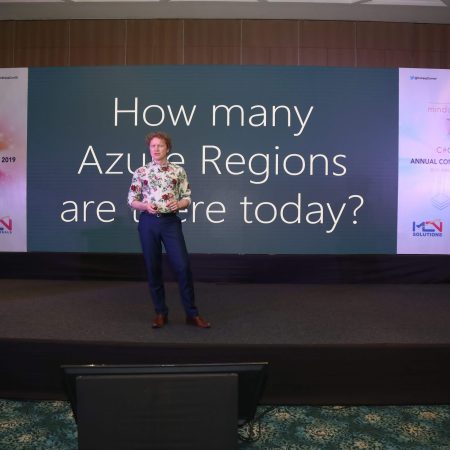
Magnus Mårtensson
Microsoft Regional Director, Azure MVP, CEO Loftysoft
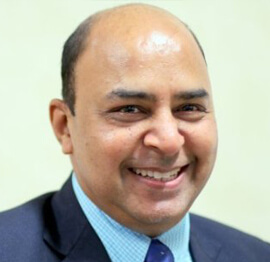
Avirag Jain
Director & CTO R Systems

Mahesh Chand
Founder C# Corner, CEO Mindcracker

Chris Gali
CEO & Co-Founder Graphite
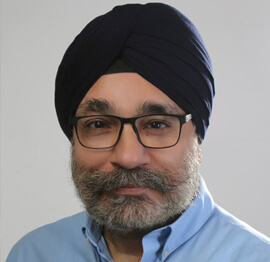
Subinder Khurana
Chief Architect StoryProcess, Founder NASSCOM DeepTech Club

Bryan Rishforth
Investor, Chairman Graphite

Bryn Everson
Director Biz Dev Graphite
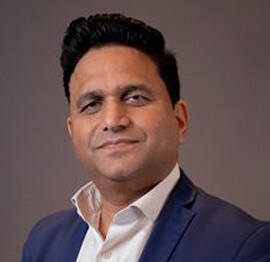
Raj Tiwari
Digital Transformation Leader, Futurist and Visionary
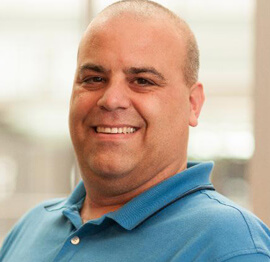
Joseph Guadagno
Microsoft MVP, Lead Quicken Loans

Nikita Sachdev
Entrepreneur, Blockchain Enthusiast & Advisor, Social Media Influencer

Doug Wagner
COO & Founder Adapt Technical Group

Ritesh Modi
Architect, Senior Evangelist, Cloud Architect

Crystal Wenrick
Director Communications Mindcracker

Allen O’Neill
Microsoft MVP, Consulting Engineer/Architect
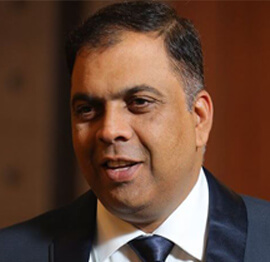
Praveen Kumar
CEO MCN Solutions
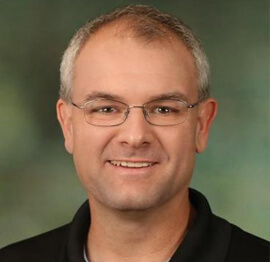
Chris Love
Founder Love2Dev, Microsoft MVP, Author

Sanjay Vyas
Microsoft Regional Director, Microsoft MVP, Founder & CEO SkillLabs Technologies

Veena Sarda
Deep Learning Consultant, Author

Sekhar Srinivasan
C# Corner MVP, Microsoft Certified Trainer, Pluralsight Author

Lalit Bansal
Founder & CEO - EIY SYS

Navdeep Garg
CEO Revinfotech

Prakash Tripathi
Tech Manager/Leader, Microsoft MVP, Blogger
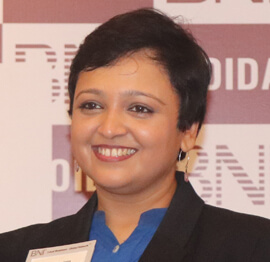
Bhavna Jain
Breakthrough Consultant

Naveen Sharma
Enterprise Architect, Leadership Coach, Author
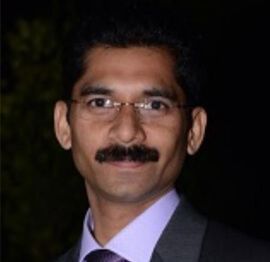
Vidya Vrat Agarwal
Principal Architect, Microsoft MVP, Author

Sheetal Agarwal
Founder Clownselors, Medical Clown, Trainer

Abhishek Kant
Founder GTM Catalyst

Vishnu Saran
Founder & CEO VoiceQube

Sandeep Soni
Founder & CEO Deccansoft, Microsoft Certified Trainer
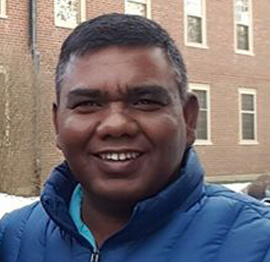
Parveen Malik
AVP InfoSec & Vulnerability Management, Information Security Expert

Nitin Pandit
Microsoft MVP, Developer Evangelist, Author

Niloshima Srivastava
C# Corner MVP, Tech Architect, Trainer, Blogger

Bala Chirtsabesan
Senior Software Engineer at Microsoft, Author

Manoj Mittal
Sr. Technical Architect, C# Corner MVP, Author

Chandni Di
Co-Founder Voice of Slum

Vithal Wadje
Technical Lead, Microsoft MVP, Author

Shivam Ahuja
Founder SkillCircle, Business Mentor

Chervine Bhiwoo
Solution Architect, Microsoft MVP, Author

Saurabh Jain
Vice President Paytm, Founder Fun2Do Labs, Author

Vinay Solanki
Head IoT at Lenovo, Founder IoT-NCR
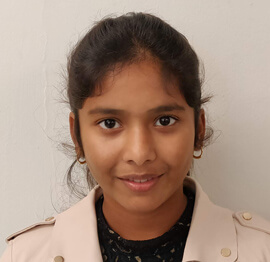
Anshu kumari
Founder Blockchainkids, Inventor, Trainer

Amit Singal
CEO Startup Buddy

Dev Pratap
Co-Founder & CEO Voice of Slum

Amey Vartak
Technology Consultant, Full Stack Developer, C# Corner MVP, Author

Viswanatha Swamy
Principal Software Engineer, C# Corner MVP, Author

Sanket Verma
Research Engineer @ Ballistics (Forensics) and Chair, PyData Delhi

Sourabh Somani
Lead Developer, Microsoft MVP, Author

Abhishek Mishra
Software Architect, C# Corner MVP, Author

Siddharth Vaghasia
Technical Consultant, C# Corner MVP, Blogger
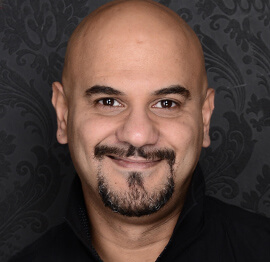
Bassam Alugili
Senior Software Specialist, Database Expert

S Ravi Kumar
Solution Architect, C# Corner MVP, Author

Sundaram Subramanian
Full Stack Developer, C# Corner MVP, Speaker

Deepesh Somani
Solution Architect, Microsoft MVP, Author

Debasis Saha
Technical Project Manager, C# Corner MVP, Blogger, Author

Vipul Jain
Software Architect, C# Corner MVP, Author

Akshay Patel
Technical Architect, Microsoft Certified Trainer, C# Corner MVP, Author

Stephen Simon
RPA Developer, Evangelist, Author
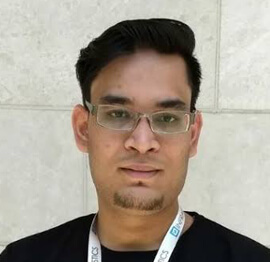
Vivek Sharma
Founder Kingster636, AR/VR Specialist

Jeetendra Gund
Technical Lead, C# Corner MVP, Author

Sujal Beniwal
AI Enthusiast, Student

M Viknaraj
Microsoft MVP, Azure Architect, Author

Prasham Sabadra
Software Architect, C# Corner MVP, Trainer, Author

Aakash Maurya
Senior Developer, C# Corner MVP, Speaker

Ankit Sharma
Senior Software Engineer, C# Corner MVP, Author

Mangesh Gaherwar
Team Lead, C# Corner MVP, Author

Viral Jain
Technical Consultant, C# Corner MVP, Author
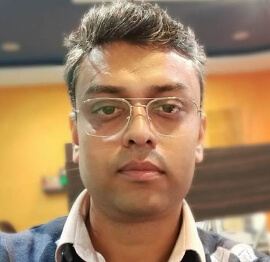
Bhasker Das
Solution Architect, Evangelist

Manish Dwivedi
Associate Project Manager

Ck Nitin
Programmer, Author

Rohit Gupta
Technical Trainer, Author

Manish Tewatia
Full-stack Marketer, UX Designer

Bhavya Gaur
Technical Illustrator

Rohit Tomar
SEO/SMO Expert
Web Track
Cloud & Data Track
Dev Track
Registration & Breakfast
Future of Desktop Apps with JS (ElectronJs)
Nitin Pandit
Building Serverless Microservices Using Microsoft Azure
Vithal Wadje
Innovating RPA: A Robot for Every Person
Stephen Simon
Managing Cloud Storage Accounts using Logic Apps
Viknaraj Manogararajah
Data visualization using Python
Sekhar Srinivasan
Going Cross platform with AR Foundation
Vivek Sharma
Keynote
Managing your Azure dependencies in ASP.NET Core apps using VS
Bala Chirtsabesan
Securing Applications on Intelligent Azure
Abhishek Mishra
Getting started with Blazor the Framework of Future
S Ravi Kumar
Lunch
Build Progressive Web Apps using Angular 9
Debasis Saha
Build and deploy to any platform using Azure DevOps
Chervine Bhiwoo
Deep Dive in Azure Service Bus
Akshay Patel
Build a Native Mobile Application using React Native and JavaScript
Joseph Guadagno
Making sense of Web Job, Web Job SDK and Functions in Azure
Prakash Tripathi
CloudFront Distribution in AWS
Viral Jain
Tea Break
Introduction to PowerBI
Aakash Maurya
Build Advanced SPFx solutions with React and Graph API
Siddharth Vaghasia
Build Business Intelligence Analyst (BIA) Skills
Sundaram Subramanian
Deep dive of Power Platform – AI BUILDER
Prasham Sabadra
Panel 1
What's new in SharePoint development
Vipul Jain
Build a SSO (Single Sign On) based Native JavaScript application with Microsoft Identity within 10 minutes
Manoj Mittal
Panel 2
Applications and working of AI
Veena Sarda
Deploying serverless API's with .Net core 3.0 on AWS & Azure
Amey Vartak
Panel 3
Blockchain with .NET Core (Ark)
Anshu Kumari
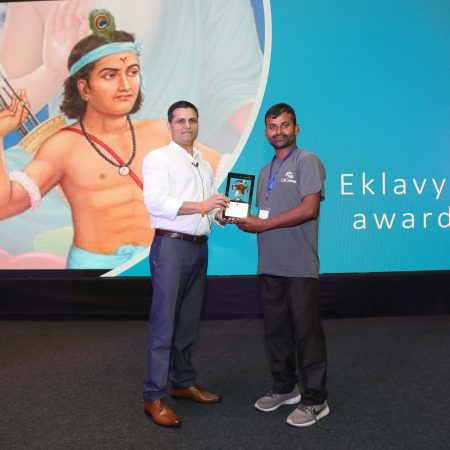
Closing Note & Prize Distribution
Dev Track
Cloud Track
Architecture Track
Emerging Tech Track
Registration & Breakfast
Creating Full-Stack Web Apps Using Server-Side Blazor
Ankit Sharma
Real time face recognition with MS Cognitive Services
Niloshima Srivastava
Building Scalable APIs with GraphQL
Jeetendra Gund
Future of development with AI and Blockchain
Navdeep Garg
Debugging Tips and Tricks with Visual Studio 2019
Joseph Guadagno
Azure Containers
Abhishek Kant
Enterprise Architecture
Naveen Sharma
Bot Framework - learn it fast and look like a boss!
Allen O’Neill
Keynote
.Net Core & C# 8 Performance
David McCarter
Working with Azure kubernetes services
Ritesh Modi
Becoming an Architect
Vidyavrat Agarwal
Why Techies Need to Learn Product Management
Saurabh Jain
Lunch
Build a rules engine in .Net Core
Sanjay Vyas
Building CI and CD Pipeline using Azure DevOps
Sandeep Soni
Entity Framework Core - Tips and Tricks, Performance Optimization, and Tuning
Bassam Alugili
Hacking your way into Data Science
Sanket Verma
Speed up your .Net Core Website
Sourabh Somani
Azure
Magnus Mårtensson
Demystifying Open Distro for Elasticsearch
Suman Debnath
Future of Data
Shivam Ahuja
Tea Break
gRPC with C# and .Net Core
Mangesh Gaherwar
Panel 1
Essentials of Cloud security
Parveen Malik
Power platform and Dynamics 365
Deepesh Somani
Microservices - the gRPC Way
Viswanatha Swamy
Panel 2
Reserved
Reserved
Closing Note & Prize Distribution
How to Stream Large Files with ASP.NET Core and Range Requests
Large media assets place unnecessary pressure on an application server when a client requests a multi-gigabyte recording, archive, or software package. HTTP range requests solve this by letting the client request only the bytes it needs. ASP.NET Core can expose that capability with little custom parsing, while browsers use it automatically for media playback and seeking. The practical goal is to deliver the smallest useful representation and make seeking feel immediate rather than pushing a complete file through every network hop.
A browser playing an MP4 will often send Range: bytes=... when a viewer jumps to another part of the recording. The server answers with 206 Partial Content, identifies the selected interval with Content-Range, and sends only that interval. A request without a range still receives the full entity, usually with 200 OK. Range processing is separate from chunked transfer encoding, so it also works over HTTP/2 without relying on chunked framing.
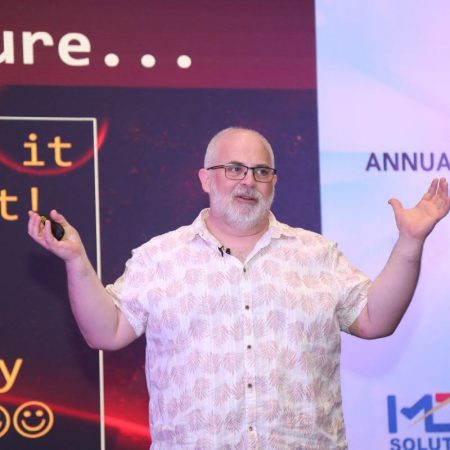
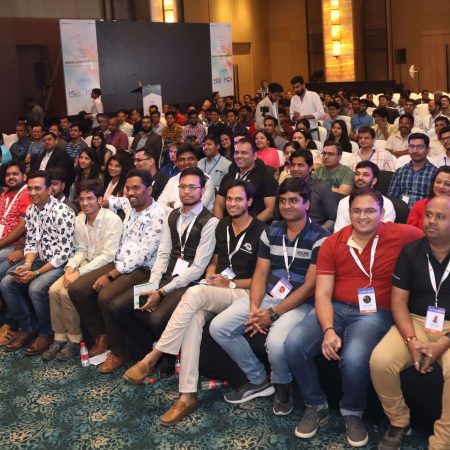
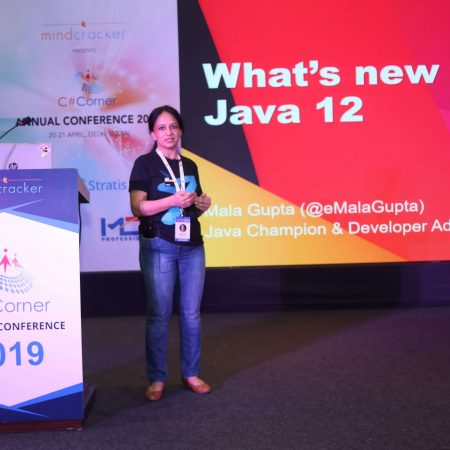
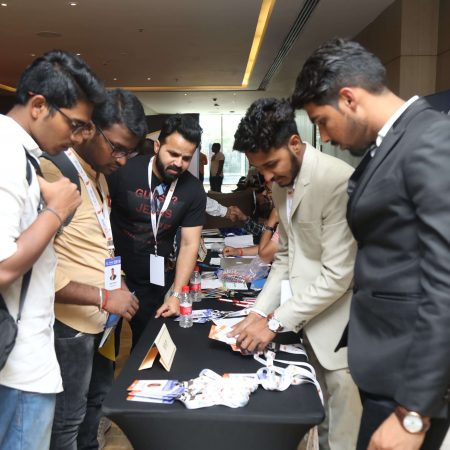
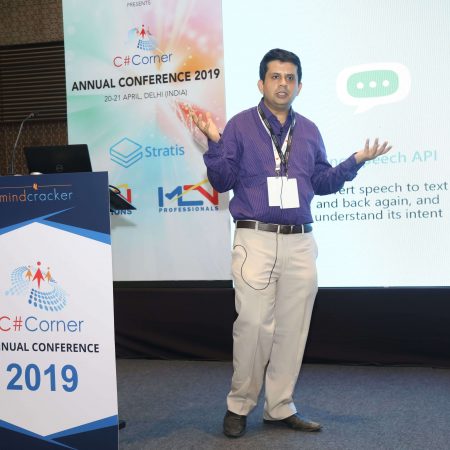
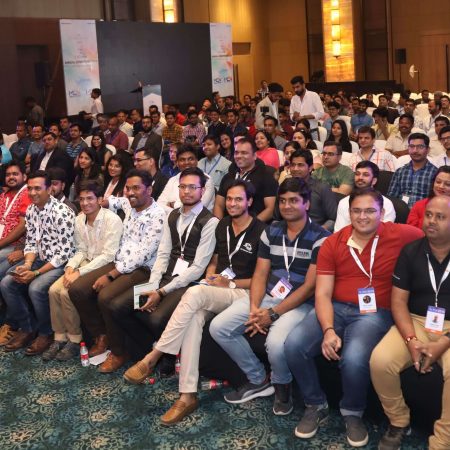
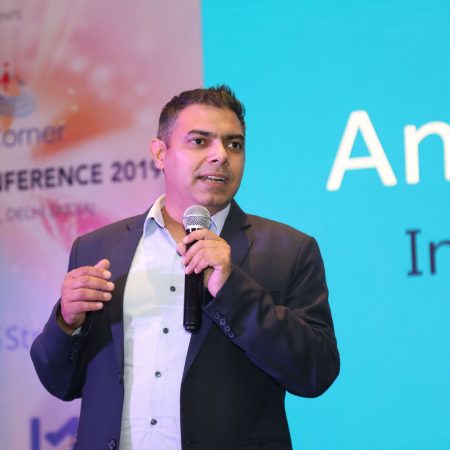
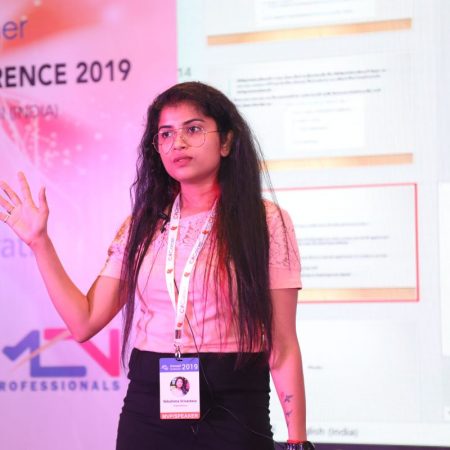
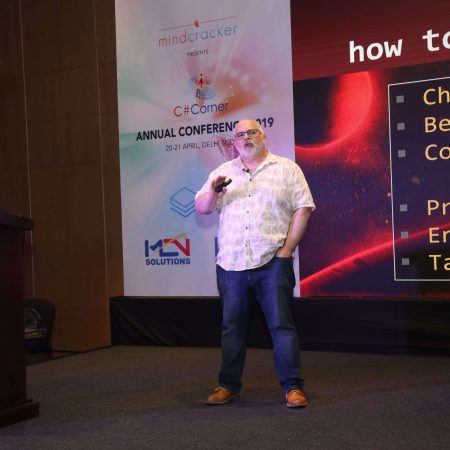
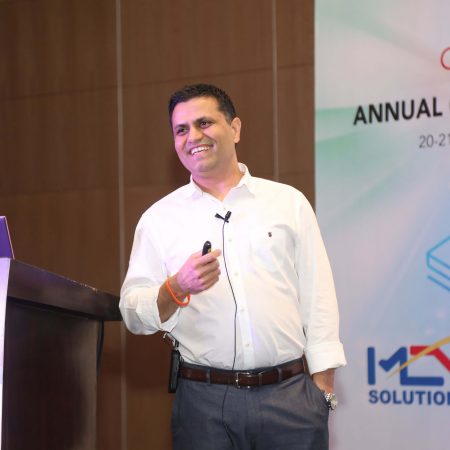
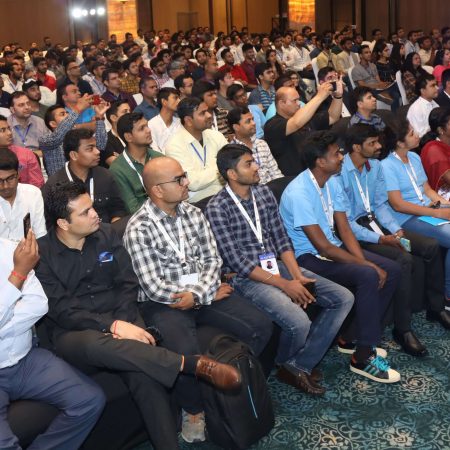
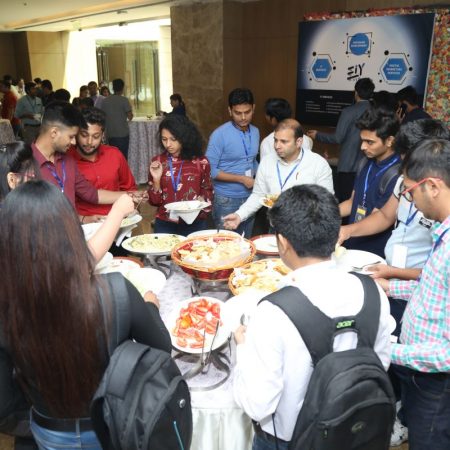
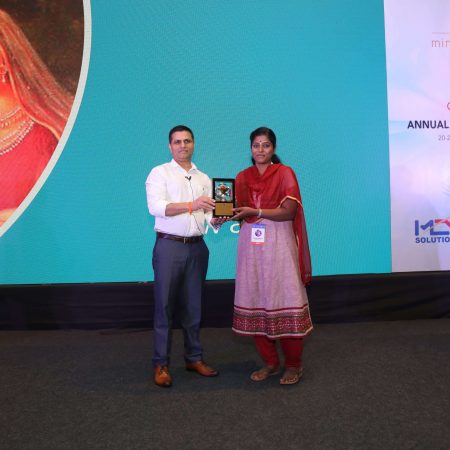
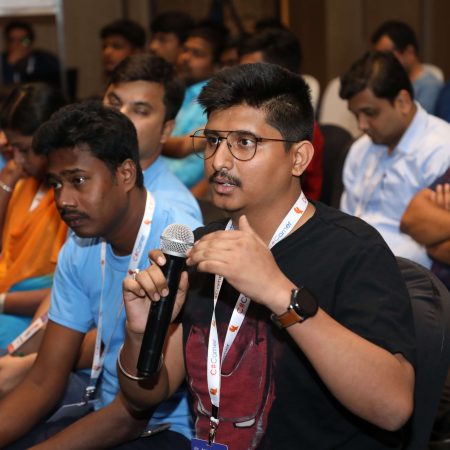
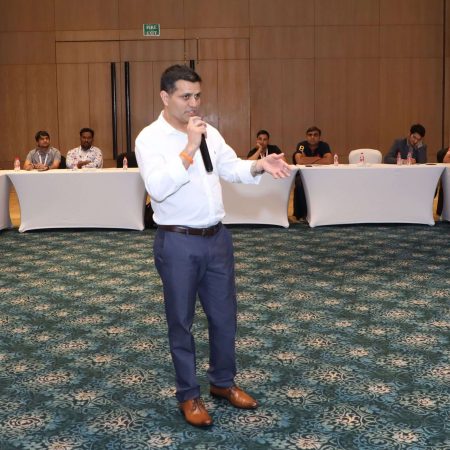
Developers attending technical events such as the C# Corner Annual Conference can compare these transport-level techniques with broader topics in C#, Azure, data, and DevOps. In Australia, the design is shaped by large distances between cities, a mixed enterprise cloud market, and teams spread from Sydney and Melbourne to Brisbane, Perth, and regional sites. Good range handling turns those conditions into an architectural advantage rather than a reason to serve oversized payloads from one origin.
Understanding HTTP range requests
Range is an HTTP request header whose value identifies a byte interval in the target representation. The common form is bytes=0-1048575, which requests the first 1,048,576 bytes. An open-ended value such as bytes=1048576- asks for everything from that offset, while bytes=-500 requests the final 500 bytes. Byte offsets describe the stored file, not pixels, frames, or compressed video packets. A media player therefore asks for storage boundaries, and the server remains responsible for decoding those bytes as the appropriate media type.
For example, a client might issue:
GET /media/interview.mp4 HTTP/1.1
Range: bytes=0-1048575
The matching response can look like:
HTTP/1.1 206 Partial Content
Content-Range: bytes 0-1048575/734003200
Content-Length: 1048576
Accept-Ranges: bytes
Content-Type: video/mp4
Content-Range ties the local interval to the full file length, while Accept-Ranges advertises that the server supports byte selection.
Not every request should become a partial response. If no Range header is present, return the normal 200 OK representation. If the requested start lies beyond the file length, return 416 Range Not Satisfiable and include Content-Range: bytes */734003200. Multi-range requests are an edge case: many clients ask for one interval at a time, and a server may decline or coalesce multiple ranges. Avoid promising multipart responses until the endpoint and CDN have been tested with that exact request shape.
Building a safe ASP.NET Core endpoint
ASP.NET Core provides range handling for physical files, so an application does not need to parse offsets, seek a stream, or calculate response lengths by hand. PhysicalFileResult and the path-based Results.File helper support partial delivery when enableRangeProcessing is enabled. For public assets in wwwroot, Static File Middleware is often simpler and already understands range headers. A custom endpoint becomes useful when access decisions, licence checks, audit rules, or per-user delivery policies must run before the file is served.
var mediaRoot = Path.GetFullPath(Path.Combine(
    builder.Environment.ContentRootPath, "media"));

app.MapGet("/media/{fileName}", (string fileName) =>
{
    var filePath = Path.GetFullPath(Path.Combine(mediaRoot, fileName));

    var comparison = OperatingSystem.IsWindows()
        ? StringComparison.OrdinalIgnoreCase
        : StringComparison.Ordinal;

    var rootPrefix = mediaRoot.TrimEnd(Path.DirectorySeparatorChar) +
        Path.DirectorySeparatorChar;

    if (!filePath.StartsWith(rootPrefix, comparison) ||
        !System.IO.File.Exists(filePath))
    {
        return Results.NotFound();
    }

    var contentType = Path.GetExtension(filePath).ToLowerInvariant() switch
    {
        ".mp4" => "video/mp4",
        ".webm" => "video/webm",
        ".mp3" => "audio/mpeg",
        ".wav" => "audio/wav",
        _ => "application/octet-stream"
    };

    return Results.File(
        filePath,
        contentType,
        enableRangeProcessing: true);
});
This handler keeps file selection inside a known media directory and rejects paths that escape it after canonicalisation. Returning Results.File lets the framework stream from disk instead of materialising the object in memory. A production version should also resolve or prohibit symbolic links, avoid exposing internal filenames, and map an opaque media identifier to a trusted record when possible. Never pass an arbitrary user-supplied path to Results.File.
Authentication can be applied with standard authorisation policies before the handler runs. For private media, issue short-lived signed URLs or tokens that bind access to a specific object and expiry. Apply the same authorisation decision to every range: fetching bytes 100–199 should not bypass a rule that would block the complete file. Keep unauthorised responses indistinguishable where appropriate, and redact sensitive tokens from logs and telemetry.
Status codes, headers, and browser behaviour
Status codes form part of the delivery contract. 200 OK means the client received the full representation, 206 Partial Content means it received the requested interval, and 416 Range Not Satisfiable means the interval cannot be served. A 404 Not Found remains preferable to revealing whether a protected object exists. Do not return 206 with an incorrect Content-Length: clients use these values to decide whether playback can continue, and a mismatch can produce a stalled player or failed seek.
Cache validators make seeking efficient without retransmitting unchanged bytes. An ETag or Last-Modified value lets the client send If-Range; when the representation has not changed, the server can return the requested interval, while a changed entity causes the range condition to be ignored and a full response to be returned. Give fingerprinted, immutable assets long-lived Cache-Control directives, and use private caching rules for authorised content. At a CDN, verify that range responses, validators, and query-string cache keys behave as intended instead of assuming origin behaviour is preserved unchanged.
Cross-origin delivery adds another layer. If browser code on another origin needs to inspect the response, expose Content-Range, Content-Length, and Accept-Ranges through the CORS policy; add Content-Disposition when the filename matters. Avoid gzip for MP4, WebM, archives, and other already-compressed payloads because compression changes byte offsets and wastes CPU. A HEAD request should return the same entity metadata as GET without a body, which helps players and CDNs assess the object before requesting media.
Delivering files across Australia
Australian geography makes origin placement and edge caching central to a smooth experience. A visitor in Perth can face materially different latency from a viewer in Sydney or Melbourne, and regional fixed-wireless or mobile connections may be less consistent than metropolitan broadband. Place frequently requested objects in a CDN with edge presence in major cities, including Perth where the chosen provider supports it, and use an Australian origin when data residency or latency requires it. A web application in Sydney can issue redirects or signed URLs to Azure Blob Storage, Azure Front Door, AWS, or Google Cloud instead of pushing every byte through the app server.
The Australian market is not Azure-only: many .NET-heavy organisations use Microsoft identity and Azure, while AWS and Google Cloud also serve substantial enterprise workloads. Design the endpoint around portable HTTP behaviour, then choose the storage and CDN products that fit existing contracts and team skills. Compare request charges, egress, storage replication, and support coverage because a range request can reduce transferred bytes while still creating multiple billable origin or edge requests. For regulated data, assess Australian Privacy Act obligations and Australian Signals Directorate guidance where relevant; keep personal information in approved locations and use encryption, short-lived access, and auditable retrieval.
Local work patterns reinforce the value of partial retrieval. Teams often collaborate across eastern capitals while field staff, mine sites, and regional education providers operate far from a metropolitan data centre. In Australian technical discussions, “stream it” usually means progressive delivery, whereas “download it” signals that the whole file is wanted. Supporting the first request with a small range and the second with a normal entity lets one endpoint serve both intentions without forcing large transfers over constrained links.
Practical recommendations for production delivery
A production implementation is easier to trust when the same file is exercised through several access paths. Before releasing the endpoint, verify its behaviour against the application’s real clients and CDN configuration.
- Serve public, immutable assets through Static File Middleware or object storage, with fingerprinted URLs and long-lived caching, rather than occupying application workers for every byte.
- Return correct
Content-Type,Content-Length,Content-Range,Accept-Ranges,ETag, andLast-Modifiedvalues; reject unsatisfiable ranges with416. - Keep file paths server-controlled, authorise the complete object, and bind every range request to the same access decision.
- Test ordinary downloads, seeking, repeated ranges, invalid offsets,
HEADrequests, expired credentials, and clients that omit theRangeheader. - Monitor range-request success, origin and edge latency, transferred bytes, cache hit rate, egress cost, and playback failures rather than relying only on request counts.
Range handling works best as one part of an ordinary HTTP delivery design. ASP.NET Core supplies the mechanics, but correct status codes, safe path resolution, cache policy, and observability determine the user experience. The result is responsive playback across Australian networks, consistent access to protected files, and origin infrastructure that handles only the bytes clients actually request.








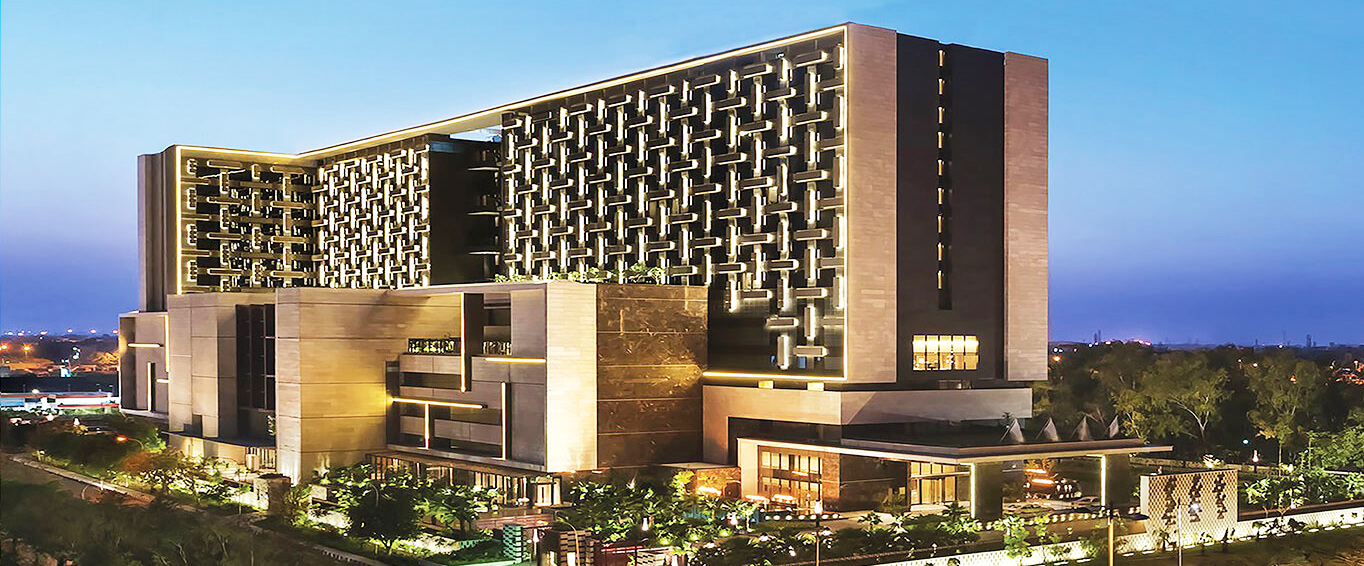
1, CBD, Maharaj Surajmal Road, Near Yamuna Sports Complex, Delhi, 110032




GENERAL QUERIES
Manish Tewatia
manish@csharpcon.com
+91-9718-431-042
TICKET QUERIES
Atul Gupta
conference@csharpcon.com
+91-9910-125-804