

Presents


Magnus Mårtensson
Microsoft Regional Director, Azure MVP, CEO Loftysoft

Avirag Jain
Director & CTO R Systems

Mahesh Chand
Founder C# Corner, CEO Mindcracker

Chris Gali
CEO & Co-Founder Graphite

Subinder Khurana
Chief Architect StoryProcess, Founder NASSCOM DeepTech Club

Bryan Rishforth
Investor, Chairman Graphite

Bryn Everson
Director Biz Dev Graphite

Raj Tiwari
Digital Transformation Leader, Futurist and Visionary

Joseph Guadagno
Microsoft MVP, Lead Quicken Loans

Nikita Sachdev
Entrepreneur, Blockchain Enthusiast & Advisor, Social Media Influencer

Doug Wagner
COO & Founder Adapt Technical Group

Ritesh Modi
Architect, Senior Evangelist, Cloud Architect

Crystal Wenrick
Director Communications Mindcracker

Allen O’Neill
Microsoft MVP, Consulting Engineer/Architect

Praveen Kumar
CEO MCN Solutions

Chris Love
Founder Love2Dev, Microsoft MVP, Author

Sanjay Vyas
Microsoft Regional Director, Microsoft MVP, Founder & CEO SkillLabs Technologies

Veena Sarda
Deep Learning Consultant, Author

Sekhar Srinivasan
C# Corner MVP, Microsoft Certified Trainer, Pluralsight Author

Lalit Bansal
Founder & CEO - EIY SYS

Navdeep Garg
CEO Revinfotech

Prakash Tripathi
Tech Manager/Leader, Microsoft MVP, Blogger

Bhavna Jain
Breakthrough Consultant

Naveen Sharma
Enterprise Architect, Leadership Coach, Author

Vidya Vrat Agarwal
Principal Architect, Microsoft MVP, Author

Sheetal Agarwal
Founder Clownselors, Medical Clown, Trainer

Abhishek Kant
Founder GTM Catalyst

Vishnu Saran
Founder & CEO VoiceQube

Sandeep Soni
Founder & CEO Deccansoft, Microsoft Certified Trainer

Parveen Malik
AVP InfoSec & Vulnerability Management, Information Security Expert

Nitin Pandit
Microsoft MVP, Developer Evangelist, Author

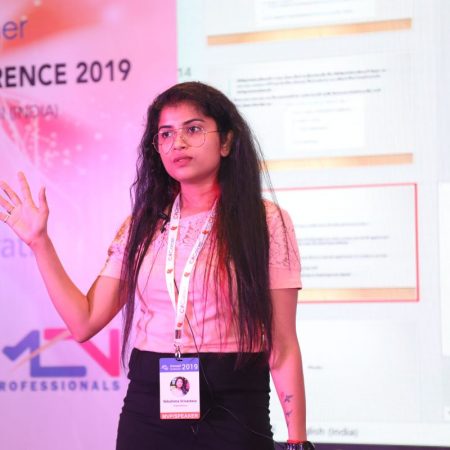
Niloshima Srivastava
C# Corner MVP, Tech Architect, Trainer, Blogger

Bala Chirtsabesan
Senior Software Engineer at Microsoft, Author

Manoj Mittal
Sr. Technical Architect, C# Corner MVP, Author

Chandni Di
Co-Founder Voice of Slum

Vithal Wadje
Technical Lead, Microsoft MVP, Author

Shivam Ahuja
Founder SkillCircle, Business Mentor

Chervine Bhiwoo
Solution Architect, Microsoft MVP, Author

Saurabh Jain
Vice President Paytm, Founder Fun2Do Labs, Author

Vinay Solanki
Head IoT at Lenovo, Founder IoT-NCR

Anshu kumari
Founder Blockchainkids, Inventor, Trainer

Amit Singal
CEO Startup Buddy

Dev Pratap
Co-Founder & CEO Voice of Slum

Amey Vartak
Technology Consultant, Full Stack Developer, C# Corner MVP, Author

Viswanatha Swamy
Principal Software Engineer, C# Corner MVP, Author

Sanket Verma
Research Engineer @ Ballistics (Forensics) and Chair, PyData Delhi

Sourabh Somani
Lead Developer, Microsoft MVP, Author

Abhishek Mishra
Software Architect, C# Corner MVP, Author

Siddharth Vaghasia
Technical Consultant, C# Corner MVP, Blogger

Bassam Alugili
Senior Software Specialist, Database Expert

S Ravi Kumar
Solution Architect, C# Corner MVP, Author

Sundaram Subramanian
Full Stack Developer, C# Corner MVP, Speaker

Deepesh Somani
Solution Architect, Microsoft MVP, Author

Debasis Saha
Technical Project Manager, C# Corner MVP, Blogger, Author

Vipul Jain
Software Architect, C# Corner MVP, Author

Akshay Patel
Technical Architect, Microsoft Certified Trainer, C# Corner MVP, Author

Stephen Simon
RPA Developer, Evangelist, Author

Vivek Sharma
Founder Kingster636, AR/VR Specialist

Jeetendra Gund
Technical Lead, C# Corner MVP, Author

Sujal Beniwal
AI Enthusiast, Student

M Viknaraj
Microsoft MVP, Azure Architect, Author

Prasham Sabadra
Software Architect, C# Corner MVP, Trainer, Author

Aakash Maurya
Senior Developer, C# Corner MVP, Speaker

Ankit Sharma
Senior Software Engineer, C# Corner MVP, Author

Mangesh Gaherwar
Team Lead, C# Corner MVP, Author

Viral Jain
Technical Consultant, C# Corner MVP, Author

Bhasker Das
Solution Architect, Evangelist

Manish Dwivedi
Associate Project Manager

Ck Nitin
Programmer, Author

Rohit Gupta
Technical Trainer, Author

Manish Tewatia
Full-stack Marketer, UX Designer

Bhavya Gaur
Technical Illustrator

Rohit Tomar
SEO/SMO Expert
Web Track
Cloud & Data Track
Dev Track
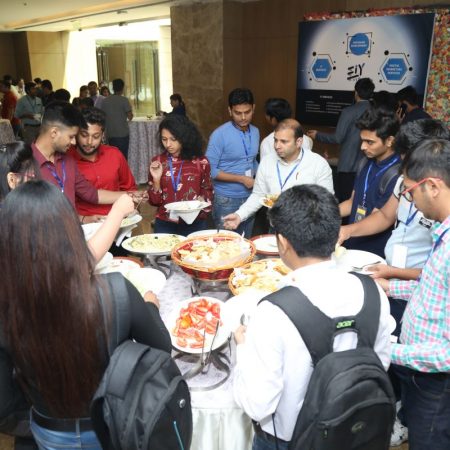
Registration & Breakfast
Future of Desktop Apps with JS (ElectronJs)
Nitin Pandit
Building Serverless Microservices Using Microsoft Azure
Vithal Wadje
Innovating RPA: A Robot for Every Person
Stephen Simon
Managing Cloud Storage Accounts using Logic Apps
Viknaraj Manogararajah
Data visualization using Python
Sekhar Srinivasan
Going Cross platform with AR Foundation
Vivek Sharma
Keynote
Managing your Azure dependencies in ASP.NET Core apps using VS
Bala Chirtsabesan
Securing Applications on Intelligent Azure
Abhishek Mishra
Getting started with Blazor the Framework of Future
S Ravi Kumar
Lunch
Build Progressive Web Apps using Angular 9
Debasis Saha
Build and deploy to any platform using Azure DevOps
Chervine Bhiwoo
Deep Dive in Azure Service Bus
Akshay Patel
Build a Native Mobile Application using React Native and JavaScript
Joseph Guadagno
Making sense of Web Job, Web Job SDK and Functions in Azure
Prakash Tripathi
CloudFront Distribution in AWS
Viral Jain
Tea Break
Introduction to PowerBI
Aakash Maurya
Build Advanced SPFx solutions with React and Graph API
Siddharth Vaghasia
Build Business Intelligence Analyst (BIA) Skills
Sundaram Subramanian
Deep dive of Power Platform – AI BUILDER
Prasham Sabadra
Panel 1
What's new in SharePoint development
Vipul Jain
Build a SSO (Single Sign On) based Native JavaScript application with Microsoft Identity within 10 minutes
Manoj Mittal
Panel 2
Applications and working of AI
Veena Sarda
Deploying serverless API's with .Net core 3.0 on AWS & Azure
Amey Vartak
Panel 3
Blockchain with .NET Core (Ark)
Anshu Kumari
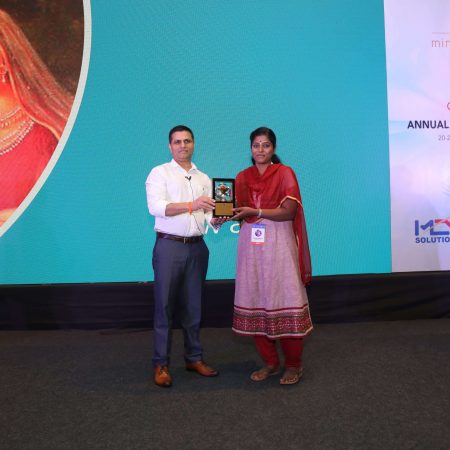
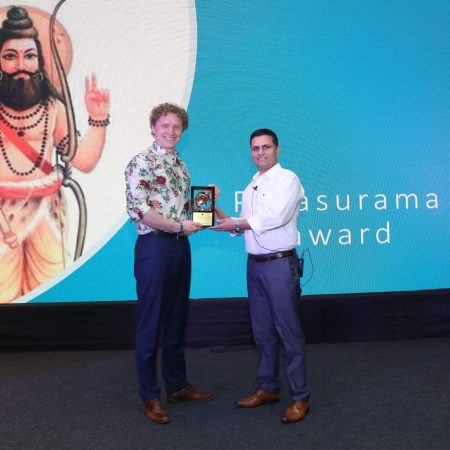
Closing Note & Prize Distribution
Dev Track
Cloud Track
Architecture Track
Emerging Tech Track
Registration & Breakfast
Creating Full-Stack Web Apps Using Server-Side Blazor
Ankit Sharma
Real time face recognition with MS Cognitive Services
Niloshima Srivastava
Building Scalable APIs with GraphQL
Jeetendra Gund
Future of development with AI and Blockchain
Navdeep Garg
Debugging Tips and Tricks with Visual Studio 2019
Joseph Guadagno
Azure Containers
Abhishek Kant
Enterprise Architecture
Naveen Sharma
Bot Framework - learn it fast and look like a boss!
Allen O’Neill
Keynote
.Net Core & C# 8 Performance
David McCarter
Working with Azure kubernetes services
Ritesh Modi
Becoming an Architect
Vidyavrat Agarwal
Why Techies Need to Learn Product Management
Saurabh Jain
Lunch
Build a rules engine in .Net Core
Sanjay Vyas
Building CI and CD Pipeline using Azure DevOps
Sandeep Soni
Entity Framework Core - Tips and Tricks, Performance Optimization, and Tuning
Bassam Alugili
Hacking your way into Data Science
Sanket Verma
Speed up your .Net Core Website
Sourabh Somani
Azure
Magnus Mårtensson
Demystifying Open Distro for Elasticsearch
Suman Debnath
Future of Data
Shivam Ahuja
Tea Break
gRPC with C# and .Net Core
Mangesh Gaherwar
Panel 1
Essentials of Cloud security
Parveen Malik
Power platform and Dynamics 365
Deepesh Somani
Microservices - the gRPC Way
Viswanatha Swamy
Panel 2
Reserved
Reserved
Closing Note & Prize Distribution
Building a Command-Line Tool with System.CommandLine in C#
System.CommandLine is the library Microsoft now points developers towards when a .NET application needs to read arguments from a shell. Instead of hand-rolling a switch statement over args, you describe the shape of your command in code, and the library handles parsing, help text, defaults and error messages. It arrived as a prerelease alongside .NET 7, matured through .NET 8, and is now the default recommendation for new CLI work in the ecosystem.
None of this is academic in Australia. Internal tooling teams in Melbourne and Sydney ship small executables constantly, gluing together Azure deployments, ticketing systems and customer databases, and most of them run on Windows desktops, macOS laptops and Linux containers with no user interface in sight. A command-line tool is frequently the smallest possible footprint for that kind of glue, and the easiest thing for a colleague to run when something needs doing at half past nine on a Friday.
The audience is broader than the usual developer stereotype. A property manager in Brisbane who wants a rent roll, a network engineer in Perth provisioning hardware across a mine site, and a data analyst in Adelaide reconciling a CSV against a warehouse query all share one requirement: give me a predictable way to run this repeatedly, from a terminal, without clicking through three dialogs and a licence prompt.
What follows is the path from an empty folder to an installable tool. You will model the command surface, wire up validation, test the behaviour and package the result for distribution. The vocabulary is deliberately plain, and every example uses modern C# with top-level statements, so you can follow along in a text editor if that is how you prefer to work.
Why command-line tools keep earning their keep
Automation still pays for itself in Australian engineering shops. A .NET runtime that runs on every major platform means the same binary can sit on a developer's machine, a build agent and a server in ap-southeast-2, and a command surface that behaves identically in PowerShell, bash and cmd.exe removes a whole category of "works on my machine" tickets.
Distance amplifies the value. When a platform team in Sydney supports systems spread across Perth, Adelaide and regional Victoria, a script that can be triggered from a jump box saves hours compared with remote-desktop sessions. The same reasoning applies inside organisations: a single documented command is easier to audit, easier to hand to a new starter and easier to schedule in a cron job or a pipeline.
There is a cultural reason too. Australian teams tend to be pragmatic and blunt about process, and that attitude extends to tooling that gets out of the way. A good CLI tool does not demand ceremony; it takes sensible defaults, prints a clear error when input is wrong, and lets people get back to the actual job.
Getting the project off the ground
Start with the SDK that matches your organisation's runtime, then add the library as a package reference. dotnet new console -n ReportTool gives you a working skeleton, and dotnet add package System.CommandLine pulls in the parsing model, help generator and validation hooks. The package version moves in step with the .NET release cadence, so pin it deliberately in your central package management file if you run an internal feed.
Keep the project honest and small. A Program.cs that wires everything together, a Commands folder for each verb and a Models folder for option types is usually enough for a tool a dozen people will use. Enable nullable reference types and treat warnings as errors, because command-line parsing code is exactly where a null option value turns into a confusing NullReferenceException three layers down. It is also worth skimming the MomaSphere site for community examples and templates before you build your own project layout from scratch.
Name your tool before you name your class. The verb set is the product's public API, so pick words people will actually type, such as report build or report export, and resist exposing every method as a flag. If a command needs more than a handful of options, it probably wants to be a subcommand with its own help page.
Modelling commands, options and arguments
The core model is small: a root command, subcommands, options and arguments. Each Option<T> carries a description, aliases, a default value and a predicate for validation, while Argument<T> describes a positional value with its own arity. Everything registers against a Command object, and the resulting tree is what the help renderer walks when someone types -h and gets lost.
var output = new Option<FileInfo>("--output", "Where to write the report")
{
    Required = true,
    DefaultValueFactory = _ => new FileInfo("report.csv")
};

var format = new Option<string>("--format", "csv or json")
{
    DefaultValueFactory = _ => "csv"
};

var export = new Command("export", "Export records to a file")
{
    output,
    format,
    new Argument<string>("query")
};

export.SetAction((ctx, parseResult) =>
{
    var target = parseResult.GetValue(output);
    var style = parseResult.GetValue(format);
    return WriteReport(target, style);
});

var root = new RootCommand("Utilities for the reporting team");
root.AddCommand(export);
return await root.Parse(args).InvokeAsync();
Handlers receive the parse result through an InvocationContext, which is where you reach for cancellation, console access and the process exit code. Prefer async handlers for anything touching a database or a cloud endpoint, because a synchronous action cannot be cancelled cleanly and will simply block a thread pool worker on an agent.
Validation, exit codes and friendly failures
Validation belongs in the model, not in a pile of if statements at the top of a handler. The library exposes command-level and option-level validators, and invoking a failed parse returns a non-zero exit code, so a pipeline treats a bad invocation like a failed build rather than a successful run with an apologetic message on standard output.
The details matter more in Australia than in many other markets. Dates are the classic trap: 01/02/2026 is ambiguous, and an Australian reader takes it as the first of February while a US-format parser reads it as the second of January. Either accept ISO 8601 and say so in the help text, or parse explicitly with DateTime.ParseExact and a defined format. The same discipline applies to currency, where amounts are Australian dollars and may include thousands separators.
Errors should travel on standard error and read like a helpful colleague rather than a stack trace. "The value 45 for --days is outside the supported range of 1 to 30" tells someone exactly what to fix; an unhandled exception dump tells them nothing and fills the console of every overnight job that failed.
Testing the parser and the behaviour
Parsing code is unusually easy to test because the model can be exercised without running the work. An xUnit test can parse an argument array, assert that values landed on the right options, and check that a default was applied when a flag was omitted, all without touching a file system or a network.
Then test the behaviour that matters. Invoke the command and capture standard output and standard error separately, asserting on exit codes for invalid input, on the message a user sees when a required option is missing, and on the generated help text. Snapshot assertions over the help output catch wording changes that quietly break a script somebody else wrote.
Wire those tests into a matrix build on GitHub Actions or Azure DevOps, because Australian enterprise teams frequently run both, and because the tool will be used on Windows, macOS and Linux desktops. Run the suite on each platform you support; a path separator or a case-sensitivity difference will surface otherwise, and the fix is much cheaper before the tool reaches anybody's hands.
Packaging the tool for real machines
The cleanest distribution story is a .NET tool. Set PackAsTool in the project file, give it a ToolCommandName such as rr, and dotnet pack produces a package anyone can install with dotnet tool install --global. Local tool manifests let a team pin an exact version inside a repository, which is how you avoid three developers running three different behaviours of the same command.
For machines without the .NET SDK, publish a self-contained, single-file executable per architecture. This is common on servers and edge devices, such as Linux boxes in a Perth operations centre or ARM64 hosts in the cloud, where installing a runtime is not a maintenance task you want. Watch the trimming warnings, test the published artifact rather than the bin output, and keep native dependencies for anything that talks to a database in the right place.
Version deliberately and document the upgrade path. dotnet tool update --global is simple enough to put in a runbook, and semver-style notes make it obvious whether a change is a bug fix or something that breaks a script in a finance team's reporting job.
Where it fits and how to keep learning
Once the tool is solid, it becomes a building block. CI and CD pipelines call it directly, Azure functions wrap it behind an HTTP endpoint, and platform teams staple it to runbooks so on-call engineers have one command to run instead of a checklist of console steps. That is where a well-designed command surface earns its keep over time.
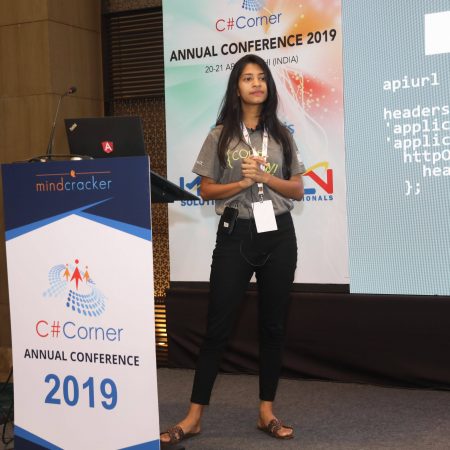
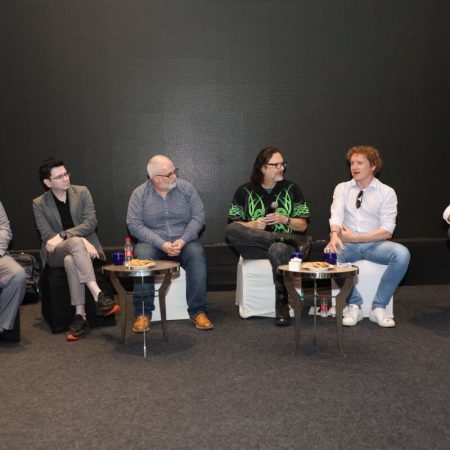
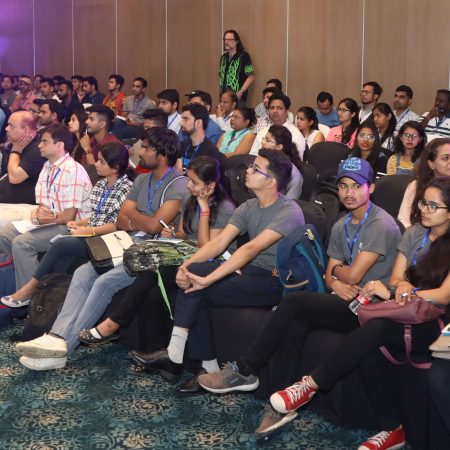
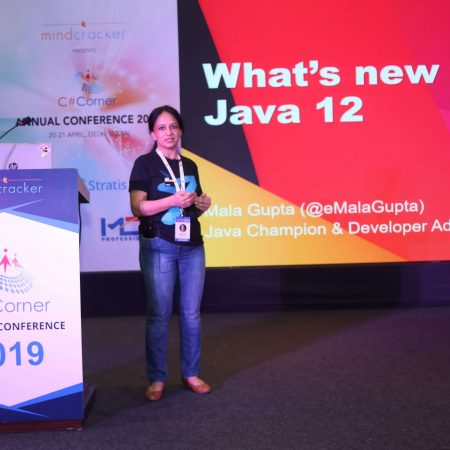
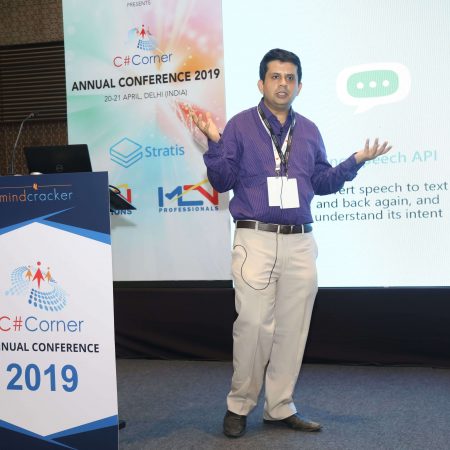
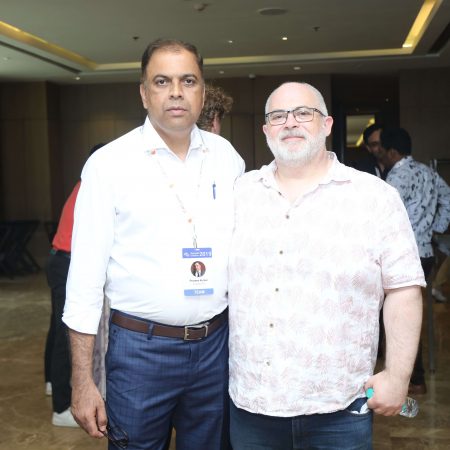
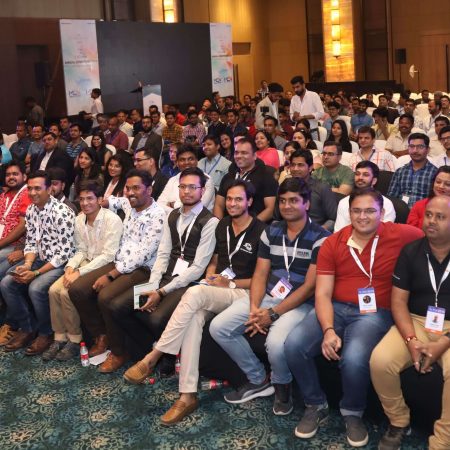
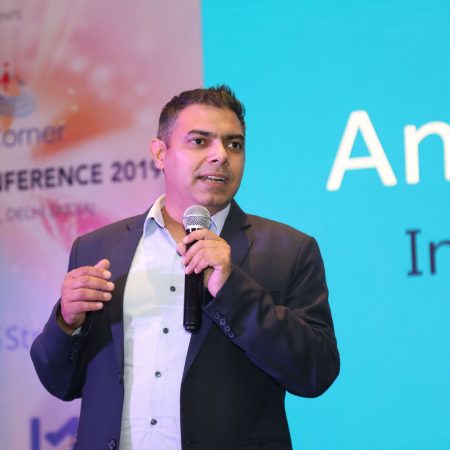
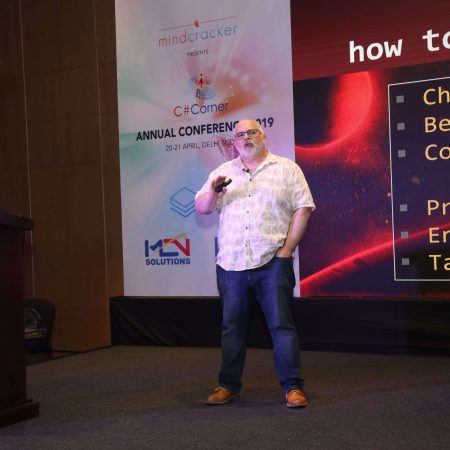
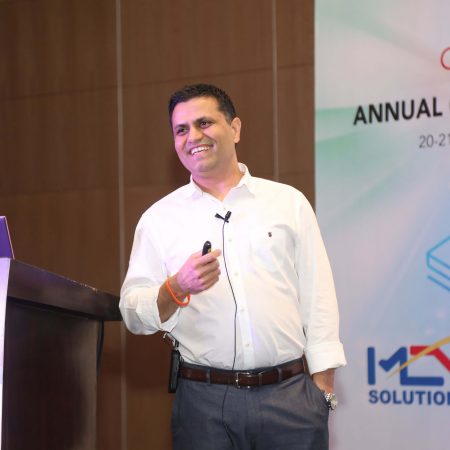
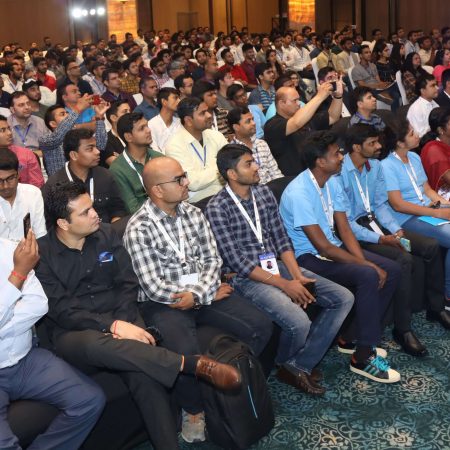
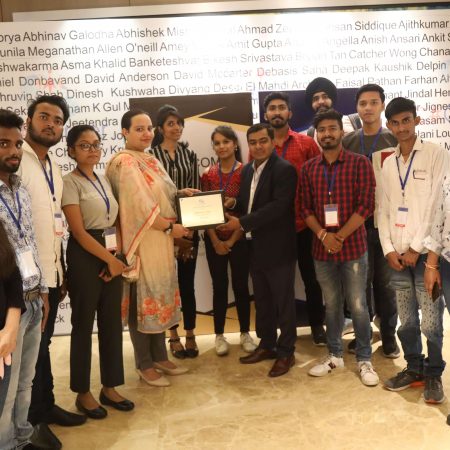
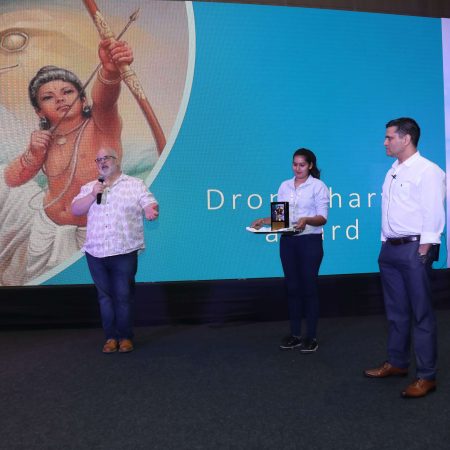
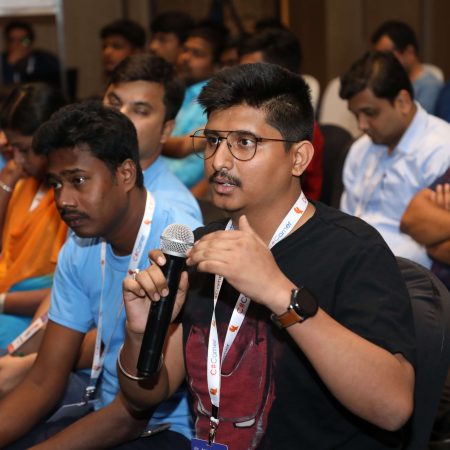
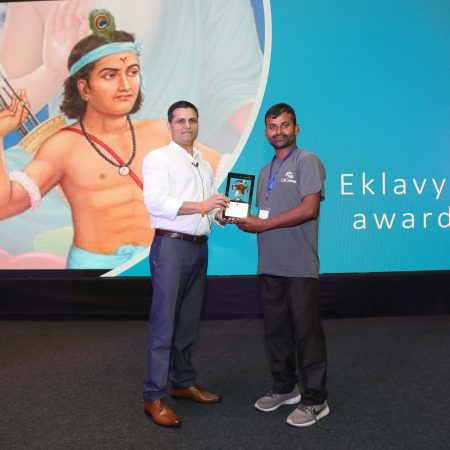
The wider community keeps pushing the topic forward. The C# Corner Annual Conference gathers speakers across Azure, data, DevOps and AI, and the modern .NET tooling sessions show how teams are structuring their command-line work in production rather than in weekend projects.
Choosing between the available approaches comes down to how much you want to own:
| Approach | Wiring effort | Built-in validation | Best fit |
|---|---|---|---|
Hand-rolled args parsing |
Low to start, costly later | None by default | Small scripts with one or two flags |
McMaster.Extensions.CommandLineUtils |
Moderate, attribute-driven | Yes, through attributes | Teams already invested in attribute models |
System.CommandLine |
Low, explicit object model | Yes, command and option validators | New .NET tools needing help text and subcommands |
Spectre.Console.Cli |
Moderate | Yes, through settings | Rich interactive output as well as parsing |
For most .NET teams starting something new, the combination of a declarative model, generated help, predictable exit codes and one-command installation makes System.CommandLine the path of least resistance, and the tool that ships fastest is the one people actually keep using.










1, CBD, Maharaj Surajmal Road, Near Yamuna Sports Complex, Delhi, 110032





GENERAL QUERIES
Manish Tewatia
manish@csharpcon.com
+91-9718-431-042
TICKET QUERIES
Atul Gupta
conference@csharpcon.com
+91-9910-125-804