
Presents


Magnus Mårtensson
Microsoft Regional Director, Azure MVP, CEO Loftysoft
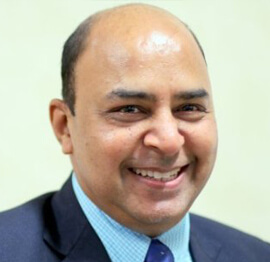
Avirag Jain
Director & CTO R Systems
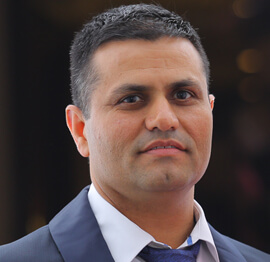
Mahesh Chand
Founder C# Corner, CEO Mindcracker

Chris Gali
CEO & Co-Founder Graphite

Subinder Khurana
Chief Architect StoryProcess, Founder NASSCOM DeepTech Club

Bryan Rishforth
Investor, Chairman Graphite

Bryn Everson
Director Biz Dev Graphite
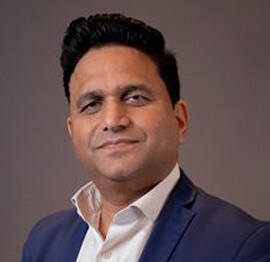
Raj Tiwari
Digital Transformation Leader, Futurist and Visionary
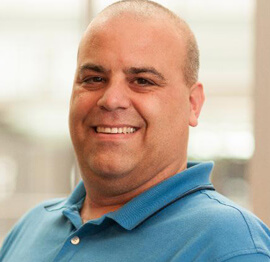
Joseph Guadagno
Microsoft MVP, Lead Quicken Loans

Nikita Sachdev
Entrepreneur, Blockchain Enthusiast & Advisor, Social Media Influencer

Doug Wagner
COO & Founder Adapt Technical Group

Ritesh Modi
Architect, Senior Evangelist, Cloud Architect

Crystal Wenrick
Director Communications Mindcracker

Allen O’Neill
Microsoft MVP, Consulting Engineer/Architect
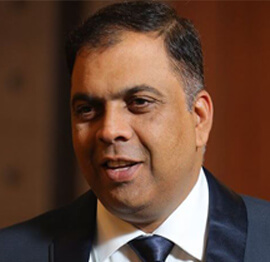
Praveen Kumar
CEO MCN Solutions
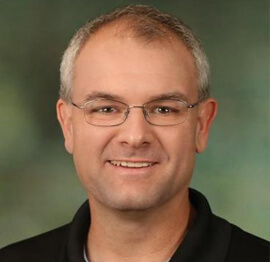
Chris Love
Founder Love2Dev, Microsoft MVP, Author

Sanjay Vyas
Microsoft Regional Director, Microsoft MVP, Founder & CEO SkillLabs Technologies

Veena Sarda
Deep Learning Consultant, Author

Sekhar Srinivasan
C# Corner MVP, Microsoft Certified Trainer, Pluralsight Author
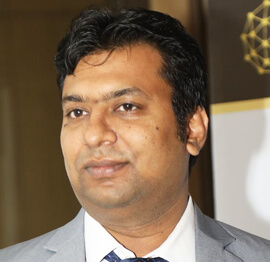
Lalit Bansal
Founder & CEO - EIY SYS

Navdeep Garg
CEO Revinfotech

Prakash Tripathi
Tech Manager/Leader, Microsoft MVP, Blogger
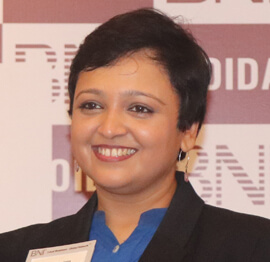
Bhavna Jain
Breakthrough Consultant

Naveen Sharma
Enterprise Architect, Leadership Coach, Author
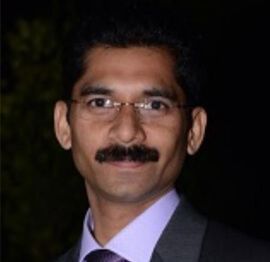
Vidya Vrat Agarwal
Principal Architect, Microsoft MVP, Author

Sheetal Agarwal
Founder Clownselors, Medical Clown, Trainer

Abhishek Kant
Founder GTM Catalyst

Vishnu Saran
Founder & CEO VoiceQube

Sandeep Soni
Founder & CEO Deccansoft, Microsoft Certified Trainer

Parveen Malik
AVP InfoSec & Vulnerability Management, Information Security Expert

Nitin Pandit
Microsoft MVP, Developer Evangelist, Author

Niloshima Srivastava
C# Corner MVP, Tech Architect, Trainer, Blogger

Bala Chirtsabesan
Senior Software Engineer at Microsoft, Author
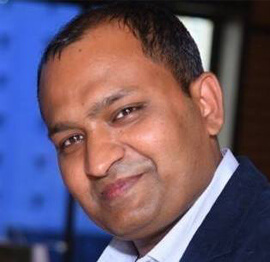
Manoj Mittal
Sr. Technical Architect, C# Corner MVP, Author

Chandni Di
Co-Founder Voice of Slum

Vithal Wadje
Technical Lead, Microsoft MVP, Author

Shivam Ahuja
Founder SkillCircle, Business Mentor

Chervine Bhiwoo
Solution Architect, Microsoft MVP, Author

Saurabh Jain
Vice President Paytm, Founder Fun2Do Labs, Author

Vinay Solanki
Head IoT at Lenovo, Founder IoT-NCR
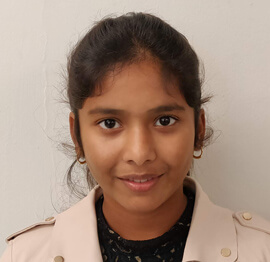
Anshu kumari
Founder Blockchainkids, Inventor, Trainer

Amit Singal
CEO Startup Buddy
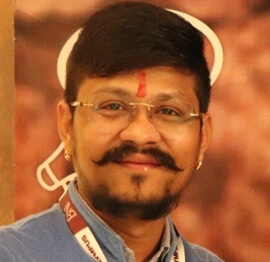
Dev Pratap
Co-Founder & CEO Voice of Slum

Amey Vartak
Technology Consultant, Full Stack Developer, C# Corner MVP, Author

Viswanatha Swamy
Principal Software Engineer, C# Corner MVP, Author

Sanket Verma
Research Engineer @ Ballistics (Forensics) and Chair, PyData Delhi

Sourabh Somani
Lead Developer, Microsoft MVP, Author
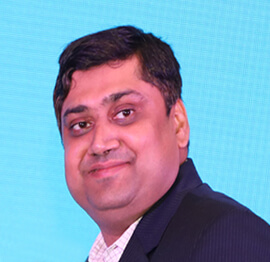
Abhishek Mishra
Software Architect, C# Corner MVP, Author

Siddharth Vaghasia
Technical Consultant, C# Corner MVP, Blogger
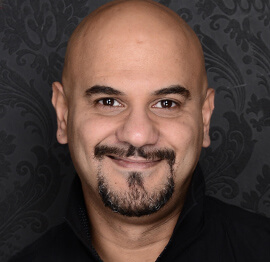
Bassam Alugili
Senior Software Specialist, Database Expert

S Ravi Kumar
Solution Architect, C# Corner MVP, Author

Sundaram Subramanian
Full Stack Developer, C# Corner MVP, Speaker

Deepesh Somani
Solution Architect, Microsoft MVP, Author

Debasis Saha
Technical Project Manager, C# Corner MVP, Blogger, Author

Vipul Jain
Software Architect, C# Corner MVP, Author

Akshay Patel
Technical Architect, Microsoft Certified Trainer, C# Corner MVP, Author

Stephen Simon
RPA Developer, Evangelist, Author
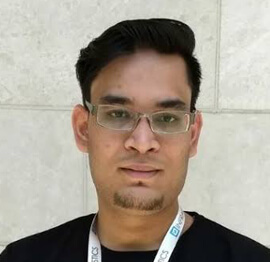
Vivek Sharma
Founder Kingster636, AR/VR Specialist

Jeetendra Gund
Technical Lead, C# Corner MVP, Author

Sujal Beniwal
AI Enthusiast, Student

M Viknaraj
Microsoft MVP, Azure Architect, Author

Prasham Sabadra
Software Architect, C# Corner MVP, Trainer, Author

Aakash Maurya
Senior Developer, C# Corner MVP, Speaker

Ankit Sharma
Senior Software Engineer, C# Corner MVP, Author

Mangesh Gaherwar
Team Lead, C# Corner MVP, Author

Viral Jain
Technical Consultant, C# Corner MVP, Author
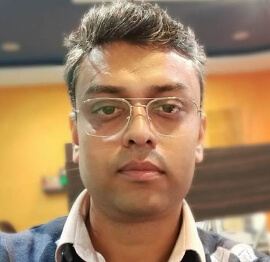
Bhasker Das
Solution Architect, Evangelist

Manish Dwivedi
Associate Project Manager

Ck Nitin
Programmer, Author

Rohit Gupta
Technical Trainer, Author

Manish Tewatia
Full-stack Marketer, UX Designer

Bhavya Gaur
Technical Illustrator

Rohit Tomar
SEO/SMO Expert
Web Track
Cloud & Data Track
Dev Track
Registration & Breakfast
Future of Desktop Apps with JS (ElectronJs)
Nitin Pandit
Building Serverless Microservices Using Microsoft Azure
Vithal Wadje
Innovating RPA: A Robot for Every Person
Stephen Simon
Managing Cloud Storage Accounts using Logic Apps
Viknaraj Manogararajah
Data visualization using Python
Sekhar Srinivasan
Going Cross platform with AR Foundation
Vivek Sharma
Keynote
Managing your Azure dependencies in ASP.NET Core apps using VS
Bala Chirtsabesan
Securing Applications on Intelligent Azure
Abhishek Mishra
Getting started with Blazor the Framework of Future
S Ravi Kumar
Lunch
Build Progressive Web Apps using Angular 9
Debasis Saha
Build and deploy to any platform using Azure DevOps
Chervine Bhiwoo
Deep Dive in Azure Service Bus
Akshay Patel
Build a Native Mobile Application using React Native and JavaScript
Joseph Guadagno
Making sense of Web Job, Web Job SDK and Functions in Azure
Prakash Tripathi
CloudFront Distribution in AWS
Viral Jain
Tea Break
Introduction to PowerBI
Aakash Maurya
Build Advanced SPFx solutions with React and Graph API
Siddharth Vaghasia
Build Business Intelligence Analyst (BIA) Skills
Sundaram Subramanian
Deep dive of Power Platform – AI BUILDER
Prasham Sabadra
Panel 1
What's new in SharePoint development
Vipul Jain
Build a SSO (Single Sign On) based Native JavaScript application with Microsoft Identity within 10 minutes
Manoj Mittal
Panel 2
Applications and working of AI
Veena Sarda
Deploying serverless API's with .Net core 3.0 on AWS & Azure
Amey Vartak
Panel 3
Blockchain with .NET Core (Ark)
Anshu Kumari
Closing Note & Prize Distribution
Dev Track
Cloud Track
Architecture Track
Emerging Tech Track
Registration & Breakfast
Creating Full-Stack Web Apps Using Server-Side Blazor
Ankit Sharma
Real time face recognition with MS Cognitive Services
Niloshima Srivastava
Building Scalable APIs with GraphQL
Jeetendra Gund
Future of development with AI and Blockchain
Navdeep Garg
Debugging Tips and Tricks with Visual Studio 2019
Joseph Guadagno
Azure Containers
Abhishek Kant
Enterprise Architecture
Naveen Sharma
Bot Framework - learn it fast and look like a boss!
Allen O’Neill
Keynote
.Net Core & C# 8 Performance
David McCarter
Working with Azure kubernetes services
Ritesh Modi
Becoming an Architect
Vidyavrat Agarwal
Why Techies Need to Learn Product Management
Saurabh Jain
Lunch
Build a rules engine in .Net Core
Sanjay Vyas
Building CI and CD Pipeline using Azure DevOps
Sandeep Soni
Entity Framework Core - Tips and Tricks, Performance Optimization, and Tuning
Bassam Alugili
Hacking your way into Data Science
Sanket Verma
Speed up your .Net Core Website
Sourabh Somani
Azure
Magnus Mårtensson
Demystifying Open Distro for Elasticsearch
Suman Debnath
Future of Data
Shivam Ahuja
Tea Break
gRPC with C# and .Net Core
Mangesh Gaherwar
Panel 1
Essentials of Cloud security
Parveen Malik
Power platform and Dynamics 365
Deepesh Somani
Microservices - the gRPC Way
Viswanatha Swamy
Panel 2
Reserved
Reserved
Closing Note & Prize Distribution
Building a .NET Core Tray Utility for Windows
The C# Corner Annual Conference 2020 brings developers together for three days of C#, Azure, cloud, data, web, DevOps, AI and RPA sessions. Within that broad programme, building a desktop tray app with .NET Core and System Tray Icon offers a focused Windows example: a small resident utility that stays accessible without taking over the screen.
The approach combines Windows Forms NotifyIcon with ApplicationContext, then adds the practical safeguards that turn a demo into deployable software. The result suits Australian teams that support office desktops, remote workers and operational software from Sydney to Perth while keeping installation, permissions and day-to-day maintenance simple.
Start with the user's desktop workflow
Begin with the job the utility performs. A background sync client, download watcher, VPN helper or field-service monitor may need one visible control throughout the day. Hiding it behind a window would make it easy to forget, while a permanent taskbar button would waste space. A notification-area icon provides a compact, recognisable entry point and a right-click menu for commands.
ApplicationContext is the natural host. It starts the Windows Forms message loop without requiring a Form, and it gives the icon and menu a clear owner. NotifyIcon then supplies the icon, tooltip, context menu, click events and optional balloon notifications. This arrangement uses the .NET Core desktop framework directly, with no separate UI framework or cloud service required. It is also Windows-specific because Windows Forms does not provide a cross-platform desktop surface.
That simplicity has limits. Windows can move the icon into the overflow area, suppress pop-ups or hide notification-area settings altogether. Australian organisations often have managed devices with Remote Desktop or virtual desktops, while field teams work from regional offices and mine sites with intermittent links. For Australian SMEs, a lightweight, self-contained utility that avoids server licences and machine-wide runtime changes can suit a lean IT team better than a service-heavy product.
Create a Windows Forms host without a main window
For the .NET Core 3.1 generation represented at the conference, start with the Windows Forms template and retarget the application as a console-free executable. A typical setup is dotnet new winforms -n FieldSync, followed by an application manifest only if the deployment requires a specific Windows version. The project file should use netcoreapp3.1, UseWindowsForms and an OutputType of WinExe so no console window flashes on launch.
Replace the generated form entry point with an ApplicationContext. The relevant Program.cs shape is:
[STAThread]
static void Main()
{
    Application.SetHighDpiMode(HighDpiMode.SystemAware);
    Application.EnableVisualStyles();
    Application.SetCompatibleTextRenderingDefault(false);
    Application.Run(new TrayContext());
}
TrayContext can override Dispose to remove the icon and release the menu. This matters because a process that appears to have exited can otherwise leave a stale icon until Explorer refreshes it. The Exit command should make the icon invisible, stop the message loop with ExitThread and dispose the context. Keeping the form-based startup code would also create a window lifecycle that the utility does not need: the message loop remains, but the visible Form disappears from the design.
Add the tray icon and a useful menu
NotifyIcon is configured once and then updated as state changes. Give it an application icon rather than a generic system symbol, keep its tooltip short, and attach a ContextMenuStrip containing status, actions and an explicit Exit item. An embedded resource avoids extracting an icon from another executable at runtime and gives the notification area a consistent identity. A compact constructor can establish the menu before making the icon visible:
private readonly NotifyIcon trayIcon;

public TrayContext()
{
    var menu = new ContextMenuStrip();
    menu.Items.Add(new ToolStripMenuItem("Open dashboard", null,
        (sender, args) => OpenDashboard()));
    menu.Items.Add(new ToolStripMenuItem("Run check now", null,
        async (sender, args) => await RunCheckAsync()));
    menu.Items.Add(new ToolStripSeparator());
    menu.Items.Add(new ToolStripMenuItem("Exit", null,
        (sender, args) => ExitApplication()));

    trayIcon = new NotifyIcon
    {
        Icon = LoadApplicationIcon(),
        Text = "Field Sync",
        ContextMenuStrip = menu,
        Visible = true
    };
}
Handle errors inside asynchronous menu actions rather than allowing an unobserved exception to close the process. Update a status menu item after each operation, and use ShowBalloonTip only for information worth interrupting the user. Windows Focus Assist, quiet hours and organisation policies can block those messages, so the menu and icon must still provide access to the same function.
Choosing the process host is as important as choosing the icon:
| Host approach | Visible window | Lifetime and cleanup | Typical use |
|---|---|---|---|
ApplicationContext with NotifyIcon |
None | Context owns the icon and menu | Tray-only utility |
Hidden Form with NotifyIcon |
Hidden after startup | Requires careful form disposal | Existing form-based applications |
| Windows Service | No interactive desktop | Managed independently of user sessions | Unattended background work |
A tray-only application should use ApplicationContext. A Windows Service is appropriate for unattended work, but Session 0 isolation prevents it from directly interacting with a signed-in user's notification area. A hidden Form is possible in older code, yet it introduces lifecycle complexity without adding useful behaviour.
Make startup and background work reliable
Duplicate instances are a common source of confusion. A named Windows Mutex can establish a single running instance before Application.Run starts. If the mutex already exists, the second process should close or ask the first process to show its menu. Scope the name to the product and organisation, and include it in support documentation so field technicians can identify the process safely.
Keep machine-specific state under Environment.SpecialFolder.LocalApplicationData rather than beside the executable. Program Files is normally read-only, while roaming a background utility's settings across domains is rarely useful. Store preferences as JSON, create the application directory defensively, and write atomically so a power loss cannot corrupt the file. Scheduled startup can use the per-user Run registry key or the Startup folder, avoiding administrator rights and keeping the choice removable by the user.
Australian scheduling adds another useful edge case. Sydney, Melbourne, Brisbane and Adelaide observe daylight-saving changes, while Perth and Darwin do not. Storing timestamps in UTC and converting only for display avoids repeated or skipped jobs. An Australian team may call a routine two o'clock run an “arvo check”, but customer-facing text should stay plain. More importantly, a failed job must identify the Australian local time clearly and retain the UTC value in logs.
Long-running network calls should be cancellable when Exit is selected, and they should never block the UI thread. A small rotating log in LocalAppData, with exceptions and service identifiers, gives support staff evidence without collecting sensitive payloads. The goal is a utility that fails quietly but reports precisely.
Package, test and support the utility
Test on the Windows versions and hardware used by the business, not only the developer laptop. Cover high-DPI settings, multiple monitors, taskbar overflow, Explorer restarts, notification suppression and Remote Desktop sessions. Keyboard navigation, menu focus and screen-reader names matter too: a 32-pixel icon is not an accessible substitute for a clearly named command.
Publishing options affect deployment more than they affect source code. A framework-dependent build is small but needs the matching .NET runtime installed; a self-contained build is larger but easier to roll out to managed and offline sites. For example, dotnet publish -c Release -r win-x64 --self-contained true -p:PublishSingleFile=true creates a self-contained Windows x64 artefact. Confirm the target architecture, signing policy and icon resources before distribution.
The following practices keep the finished application dependable:
- Use
ApplicationContextas the owner: Keep the message loop, icon and menu under one explicit lifecycle rather than introducing an unused form. - Design for the notification area: Provide an overflow-friendly workflow, a tooltip no longer than the Windows limit and menu access to every important action.
- Make background actions observable: Show progress in the menu, report failures through the icon and avoid relying on balloon notifications alone.
- Protect the installation: Write state to LocalAppData, request only necessary permissions and provide an obvious Exit command.
- Enforce a single instance: Use a product-specific named mutex so repeated launches cannot create duplicate icons or competing background jobs.
- Store useful diagnostics: Log exceptions, timestamps and operation identifiers without recording credentials or sensitive customer data.
- Publish for the target environment: Match the runtime, processor architecture and deployment restrictions used across Australian offices, remote workers and field sites.







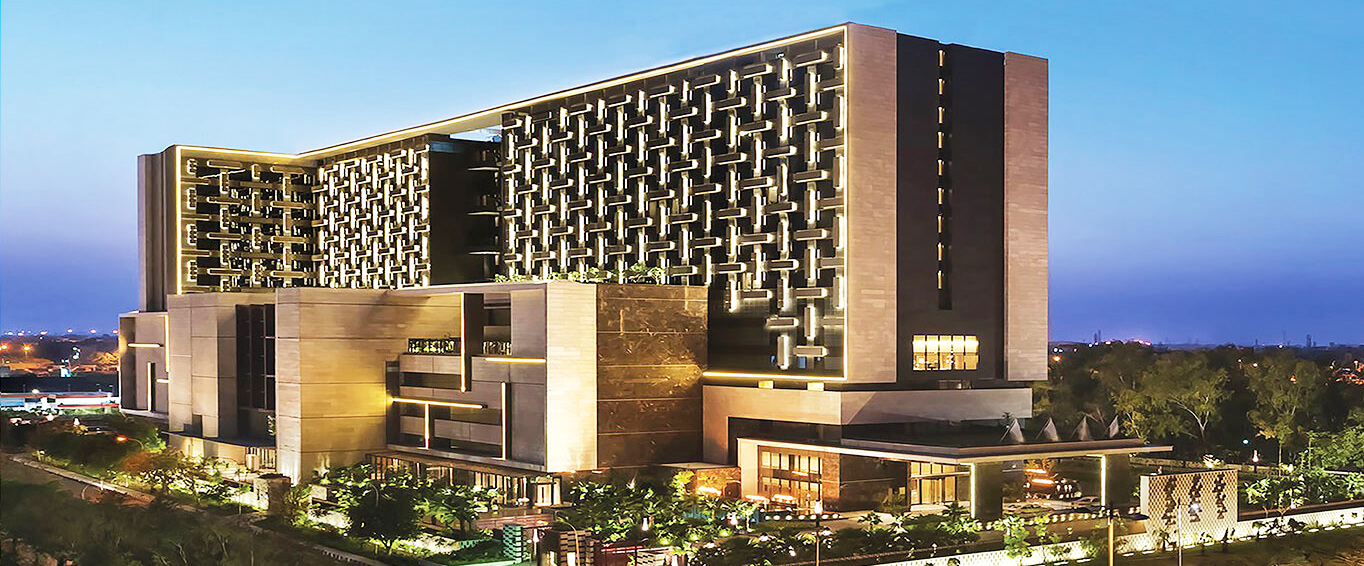
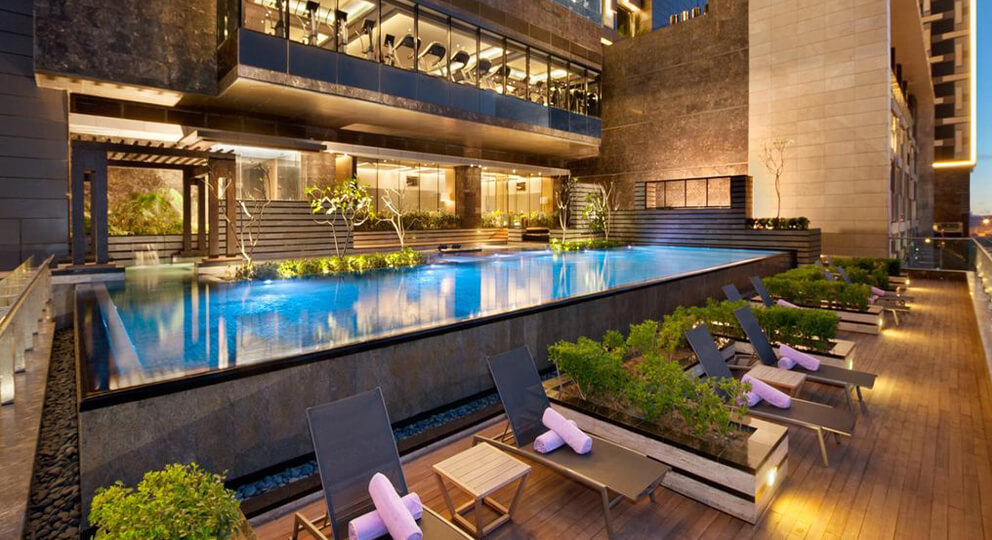
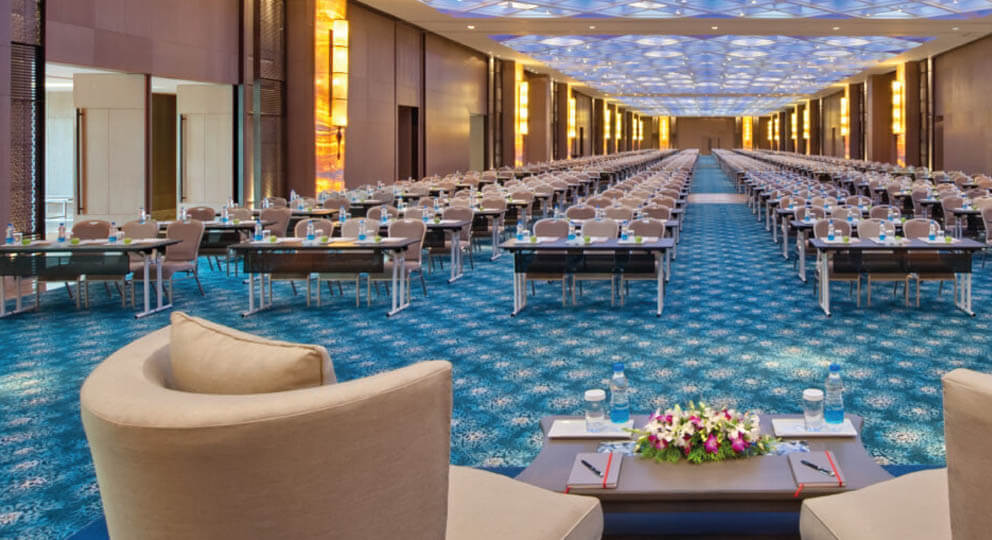
1, CBD, Maharaj Surajmal Road, Near Yamuna Sports Complex, Delhi, 110032
GENERAL QUERIES
Manish Tewatia
manish@csharpcon.com
+91-9718-431-042
TICKET QUERIES
Atul Gupta
conference@csharpcon.com
+91-9910-125-804