

Presents


Magnus Mårtensson
Microsoft Regional Director, Azure MVP, CEO Loftysoft
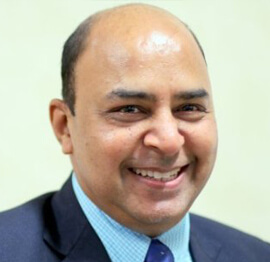
Avirag Jain
Director & CTO R Systems
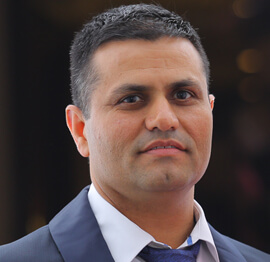
Mahesh Chand
Founder C# Corner, CEO Mindcracker

Chris Gali
CEO & Co-Founder Graphite

Subinder Khurana
Chief Architect StoryProcess, Founder NASSCOM DeepTech Club

Bryan Rishforth
Investor, Chairman Graphite

Bryn Everson
Director Biz Dev Graphite
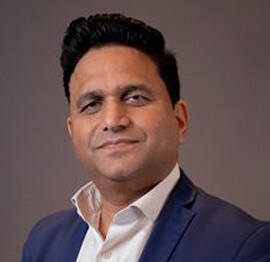
Raj Tiwari
Digital Transformation Leader, Futurist and Visionary

Joseph Guadagno
Microsoft MVP, Lead Quicken Loans

Nikita Sachdev
Entrepreneur, Blockchain Enthusiast & Advisor, Social Media Influencer

Doug Wagner
COO & Founder Adapt Technical Group

Ritesh Modi
Architect, Senior Evangelist, Cloud Architect

Crystal Wenrick
Director Communications Mindcracker

Allen O’Neill
Microsoft MVP, Consulting Engineer/Architect
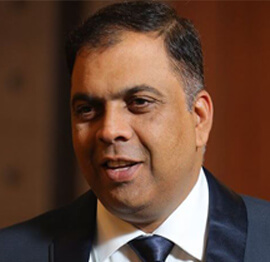
Praveen Kumar
CEO MCN Solutions

Chris Love
Founder Love2Dev, Microsoft MVP, Author

Sanjay Vyas
Microsoft Regional Director, Microsoft MVP, Founder & CEO SkillLabs Technologies

Veena Sarda
Deep Learning Consultant, Author

Sekhar Srinivasan
C# Corner MVP, Microsoft Certified Trainer, Pluralsight Author
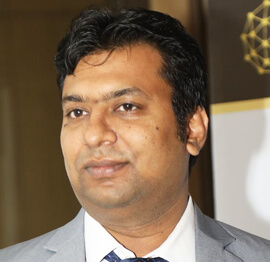
Lalit Bansal
Founder & CEO - EIY SYS
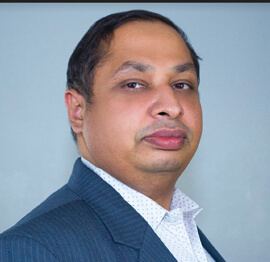
Navdeep Garg
CEO Revinfotech
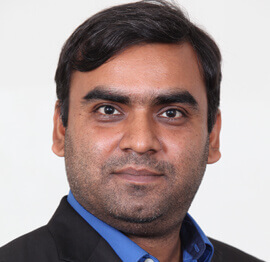
Prakash Tripathi
Tech Manager/Leader, Microsoft MVP, Blogger
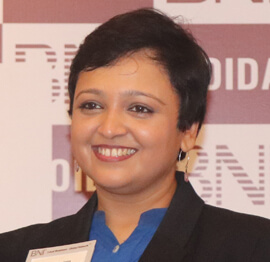
Bhavna Jain
Breakthrough Consultant

Naveen Sharma
Enterprise Architect, Leadership Coach, Author

Vidya Vrat Agarwal
Principal Architect, Microsoft MVP, Author

Sheetal Agarwal
Founder Clownselors, Medical Clown, Trainer

Abhishek Kant
Founder GTM Catalyst

Vishnu Saran
Founder & CEO VoiceQube

Sandeep Soni
Founder & CEO Deccansoft, Microsoft Certified Trainer

Parveen Malik
AVP InfoSec & Vulnerability Management, Information Security Expert

Nitin Pandit
Microsoft MVP, Developer Evangelist, Author

Niloshima Srivastava
C# Corner MVP, Tech Architect, Trainer, Blogger

Bala Chirtsabesan
Senior Software Engineer at Microsoft, Author

Manoj Mittal
Sr. Technical Architect, C# Corner MVP, Author

Chandni Di
Co-Founder Voice of Slum

Vithal Wadje
Technical Lead, Microsoft MVP, Author

Shivam Ahuja
Founder SkillCircle, Business Mentor

Chervine Bhiwoo
Solution Architect, Microsoft MVP, Author

Saurabh Jain
Vice President Paytm, Founder Fun2Do Labs, Author

Vinay Solanki
Head IoT at Lenovo, Founder IoT-NCR
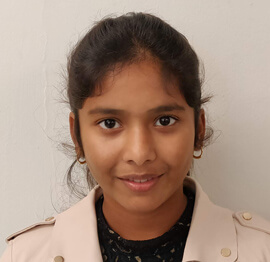
Anshu kumari
Founder Blockchainkids, Inventor, Trainer
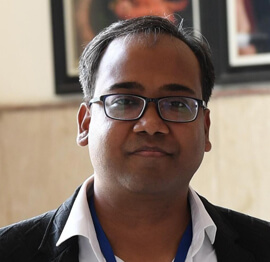
Amit Singal
CEO Startup Buddy
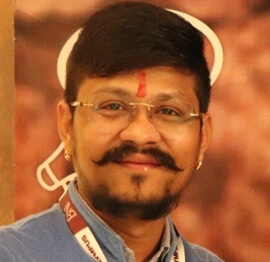
Dev Pratap
Co-Founder & CEO Voice of Slum

Amey Vartak
Technology Consultant, Full Stack Developer, C# Corner MVP, Author

Viswanatha Swamy
Principal Software Engineer, C# Corner MVP, Author

Sanket Verma
Research Engineer @ Ballistics (Forensics) and Chair, PyData Delhi

Sourabh Somani
Lead Developer, Microsoft MVP, Author
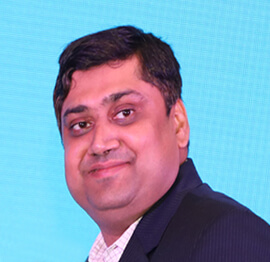
Abhishek Mishra
Software Architect, C# Corner MVP, Author

Siddharth Vaghasia
Technical Consultant, C# Corner MVP, Blogger

Bassam Alugili
Senior Software Specialist, Database Expert

S Ravi Kumar
Solution Architect, C# Corner MVP, Author

Sundaram Subramanian
Full Stack Developer, C# Corner MVP, Speaker

Deepesh Somani
Solution Architect, Microsoft MVP, Author

Debasis Saha
Technical Project Manager, C# Corner MVP, Blogger, Author
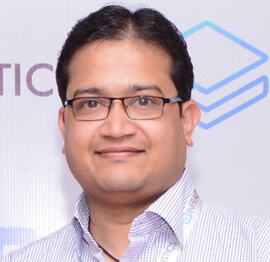
Vipul Jain
Software Architect, C# Corner MVP, Author

Akshay Patel
Technical Architect, Microsoft Certified Trainer, C# Corner MVP, Author

Stephen Simon
RPA Developer, Evangelist, Author

Vivek Sharma
Founder Kingster636, AR/VR Specialist

Jeetendra Gund
Technical Lead, C# Corner MVP, Author

Sujal Beniwal
AI Enthusiast, Student

M Viknaraj
Microsoft MVP, Azure Architect, Author

Prasham Sabadra
Software Architect, C# Corner MVP, Trainer, Author

Aakash Maurya
Senior Developer, C# Corner MVP, Speaker

Ankit Sharma
Senior Software Engineer, C# Corner MVP, Author

Mangesh Gaherwar
Team Lead, C# Corner MVP, Author

Viral Jain
Technical Consultant, C# Corner MVP, Author

Bhasker Das
Solution Architect, Evangelist

Manish Dwivedi
Associate Project Manager

Ck Nitin
Programmer, Author

Rohit Gupta
Technical Trainer, Author

Manish Tewatia
Full-stack Marketer, UX Designer

Bhavya Gaur
Technical Illustrator

Rohit Tomar
SEO/SMO Expert
Web Track
Cloud & Data Track
Dev Track
Registration & Breakfast
Future of Desktop Apps with JS (ElectronJs)
Nitin Pandit
Building Serverless Microservices Using Microsoft Azure
Vithal Wadje
Innovating RPA: A Robot for Every Person
Stephen Simon
Managing Cloud Storage Accounts using Logic Apps
Viknaraj Manogararajah
Data visualization using Python
Sekhar Srinivasan
Going Cross platform with AR Foundation
Vivek Sharma
Keynote
Managing your Azure dependencies in ASP.NET Core apps using VS
Bala Chirtsabesan
Securing Applications on Intelligent Azure
Abhishek Mishra
Getting started with Blazor the Framework of Future
S Ravi Kumar
Lunch
Build Progressive Web Apps using Angular 9
Debasis Saha
Build and deploy to any platform using Azure DevOps
Chervine Bhiwoo
Deep Dive in Azure Service Bus
Akshay Patel
Build a Native Mobile Application using React Native and JavaScript
Joseph Guadagno
Making sense of Web Job, Web Job SDK and Functions in Azure
Prakash Tripathi
CloudFront Distribution in AWS
Viral Jain
Tea Break
Introduction to PowerBI
Aakash Maurya
Build Advanced SPFx solutions with React and Graph API
Siddharth Vaghasia
Build Business Intelligence Analyst (BIA) Skills
Sundaram Subramanian
Deep dive of Power Platform – AI BUILDER
Prasham Sabadra
Panel 1
What's new in SharePoint development
Vipul Jain
Build a SSO (Single Sign On) based Native JavaScript application with Microsoft Identity within 10 minutes
Manoj Mittal
Panel 2
Applications and working of AI
Veena Sarda
Deploying serverless API's with .Net core 3.0 on AWS & Azure
Amey Vartak
Panel 3
Blockchain with .NET Core (Ark)
Anshu Kumari
Closing Note & Prize Distribution
Dev Track
Cloud Track
Architecture Track
Emerging Tech Track
Registration & Breakfast
Creating Full-Stack Web Apps Using Server-Side Blazor
Ankit Sharma
Real time face recognition with MS Cognitive Services
Niloshima Srivastava
Building Scalable APIs with GraphQL
Jeetendra Gund
Future of development with AI and Blockchain
Navdeep Garg
Debugging Tips and Tricks with Visual Studio 2019
Joseph Guadagno
Azure Containers
Abhishek Kant
Enterprise Architecture
Naveen Sharma
Bot Framework - learn it fast and look like a boss!
Allen O’Neill
Keynote
.Net Core & C# 8 Performance
David McCarter
Working with Azure kubernetes services
Ritesh Modi
Becoming an Architect
Vidyavrat Agarwal
Why Techies Need to Learn Product Management
Saurabh Jain
Lunch
Build a rules engine in .Net Core
Sanjay Vyas
Building CI and CD Pipeline using Azure DevOps
Sandeep Soni
Entity Framework Core - Tips and Tricks, Performance Optimization, and Tuning
Bassam Alugili
Hacking your way into Data Science
Sanket Verma
Speed up your .Net Core Website
Sourabh Somani
Azure
Magnus Mårtensson
Demystifying Open Distro for Elasticsearch
Suman Debnath
Future of Data
Shivam Ahuja
Tea Break
gRPC with C# and .Net Core
Mangesh Gaherwar
Panel 1
Essentials of Cloud security
Parveen Malik
Power platform and Dynamics 365
Deepesh Somani
Microservices - the gRPC Way
Viswanatha Swamy
Panel 2
Reserved
Reserved
Closing Note & Prize Distribution
Automating Infrastructure with Azure ARM Templates and Bicep
Cloud applications depend on far more than application code. Virtual networks, storage accounts, app services, databases, identities, monitoring tools, and security controls must work together before a workload can deliver value. When these resources are created manually, environments can drift, deployments become difficult to reproduce, and troubleshooting often begins with uncertainty about what changed.
Infrastructure as code addresses that uncertainty by describing cloud resources in files that can be reviewed, versioned, tested, and deployed through automation. In the Microsoft Azure ecosystem, Azure Resource Manager templates and Bicep provide two closely related ways to define infrastructure declaratively.
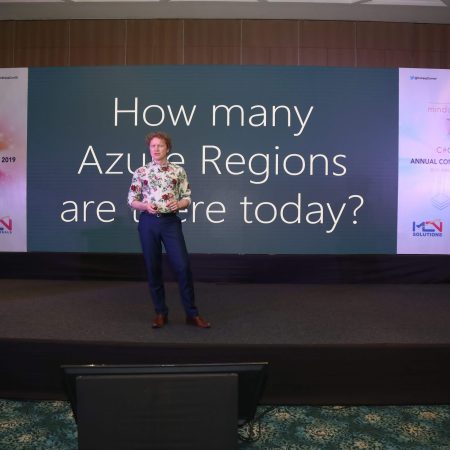
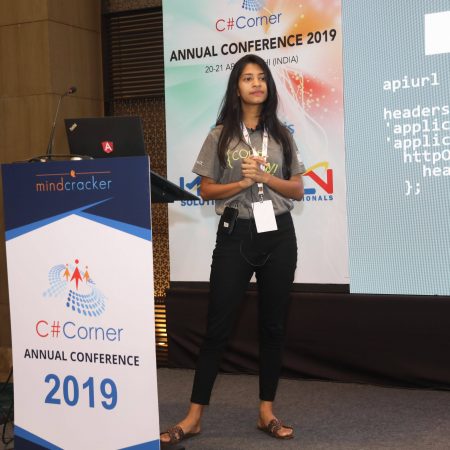
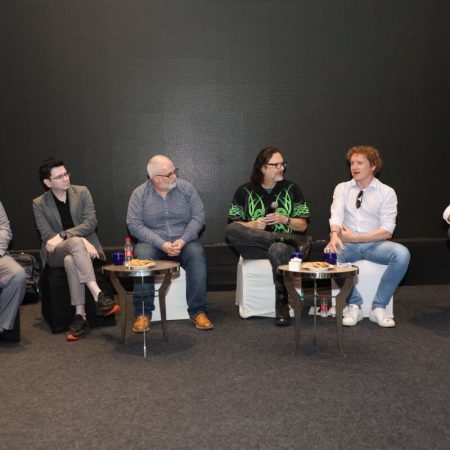
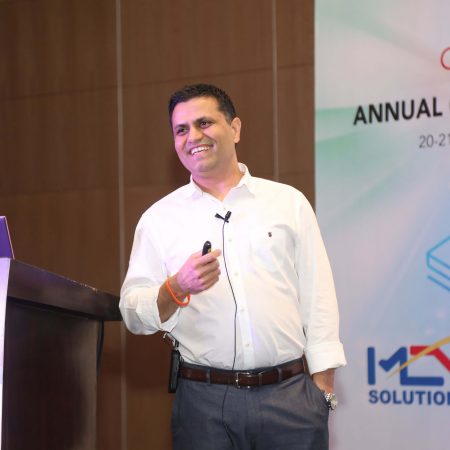
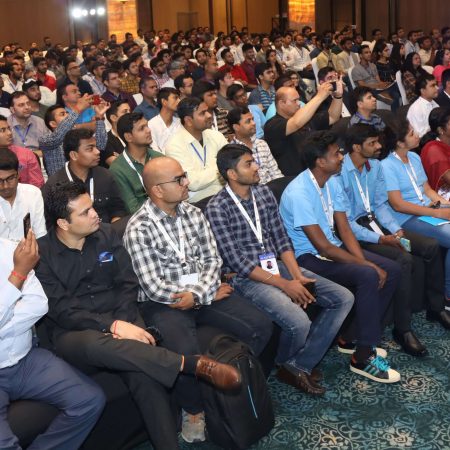
For software professionals attending the C# Corner Annual Conference 2020, this subject connects naturally with sessions about Azure, cloud computing, DevOps, web development, data, and application architecture. Understanding these tools helps developers and operations teams share responsibility for reliable environments rather than treating infrastructure as a separate manual task.
Why Infrastructure as Code Matters
Infrastructure as code, often abbreviated IaC, treats the desired state of an environment as a formal definition. Instead of asking an engineer to create a resource through the Azure portal, a deployment pipeline can apply a repeatable configuration. The same approach can create development, testing, staging, and production environments with controlled differences.
Repeatability is one of its greatest benefits. A template can specify resource names, locations, SKUs, network relationships, diagnostic settings, and access policies. When the definition is stored in a Git repository, every change receives a history and can be reviewed before it reaches Azure. This makes infrastructure changes more visible to developers, security engineers, and operations teams.
IaC also supports disaster recovery and rapid experimentation. If an environment must be rebuilt, the deployment definition provides a strong starting point. If a team needs a temporary test environment, automation can create it consistently and remove it after use. The result is a more predictable Azure operating model with fewer undocumented decisions.
Understanding ARM Templates And Bicep
Azure Resource Manager templates are JSON documents that describe Azure resources and their relationships. They support parameters for values that vary between environments, variables for reusable expressions, resource declarations, dependencies, outputs, and deployment-specific configuration. ARM templates are a native part of Azure and work with the platform’s resource management layer.
JSON offers precision and broad compatibility, but large templates can become difficult to read. Nested properties, repeated expressions, and long resource definitions may obscure the architecture being deployed. Teams can still manage complex templates successfully, especially when they apply modular design, naming standards, and source control discipline, yet authoring remains a significant consideration.
Bicep is a domain-specific language created to make Azure infrastructure definitions more concise and approachable. It compiles to ARM template JSON, so it uses the same underlying Azure deployment capabilities. Developers gain cleaner syntax, stronger editor support, type validation, modules, and improved readability without abandoning ARM’s platform integration.
The choice is rarely about replacing Azure Resource Manager. Bicep is better understood as an authoring experience for ARM-based deployments. Existing JSON templates can continue to operate, while new infrastructure may be written in Bicep and compiled as part of a continuous integration process.
Building Reusable Azure Environments
A useful template begins with clear boundaries. A single file that deploys every component of an organization can become difficult to test and maintain. A modular structure is often more effective: one module for a virtual network, another for an App Service plan, another for a database, and separate definitions for monitoring or identity-related resources.
Parameters should represent meaningful environmental differences rather than every possible property. A location, workload name, instance size, and deployment stage may be appropriate parameters. Exposing dozens of low-level settings can make deployments harder to understand and increases the chance of inconsistent configurations. Sensible defaults can make safe deployments easier while still allowing deliberate overrides.
Resource naming deserves similar attention. Predictable names make logs, dashboards, and incident investigations easier to interpret. Naming conventions should account for Azure uniqueness requirements, regional placement, workload boundaries, and organizational standards. Bicep expressions can construct names from shared inputs, reducing manual errors across environments.
Outputs can connect infrastructure deployment with application deployment. For example, a template may return an application URL, a resource ID, or a key vault reference for a later pipeline stage. Outputs should avoid exposing secrets. Sensitive values belong in services such as Azure Key Vault, with access controlled through managed identities and role-based access control.
Choosing Between ARM Templates And Bicep
Both approaches can deploy Azure resources through Azure Resource Manager, yet they differ in how teams author and maintain definitions. The following comparison highlights practical distinctions for a project deciding how to organize its infrastructure code.
| Capability | ARM Templates | Bicep |
|---|---|---|
| Authoring format | JSON | Dedicated declarative language |
| Readability | Detailed but verbose | More compact and easier to scan |
| Deployment target | Azure Resource Manager | Compiles to ARM template JSON |
| Reuse | Nested templates, linked templates, copy patterns | Native modules and reusable declarations |
| Tooling | Mature Azure and JSON tooling | Strong Azure-aware editor support and validation |
| Existing investments | Direct fit for current template libraries | Can coexist with and gradually replace JSON authoring |
| Learning curve | Familiar to teams experienced with JSON and ARM syntax | Requires learning Bicep syntax and module conventions |
A team with a substantial library of tested ARM templates may choose incremental adoption. New modules can be written in Bicep while existing deployments remain unchanged. This avoids a disruptive rewrite and lets engineers measure maintainability benefits in a real workload.
Bicep also works well for teams whose developers are more comfortable with concise programming and configuration languages. Its syntax reduces visual noise, but it does not remove the need to understand Azure resource types, API versions, dependencies, permissions, and deployment behavior. A shorter file still represents a complex cloud architecture.
Connecting Templates To DevOps Pipelines
Infrastructure automation becomes more valuable when it is connected to the same delivery process as application code. A pipeline can validate Bicep files, compile them, run linting checks, publish artifacts, and deploy to a controlled Azure environment. Pull requests can trigger validation before a change is merged into the main branch.
Validation should happen at several levels. Syntax and type checks catch malformed definitions. What-if operations can show the anticipated changes before deployment, helping teams identify accidental resource replacement or unexpected configuration updates. Policy checks can enforce requirements such as approved regions, mandatory tags, private endpoints, or diagnostic settings.
Deployment stages should reflect the organization’s risk tolerance. A change may first move to a sandbox, then to a shared test environment, and finally to production after approval. Parameters or parameter files can supply environment-specific values, while the core infrastructure definition remains consistent. This separation reduces copy-and-paste variation between stages.
Azure deployment modes and resource behavior require careful attention. Incremental deployment generally updates declared resources without removing every resource absent from the template, while complete behavior can have broader effects depending on the deployment scope and tooling. Teams should understand deletion and replacement implications before allowing automated production changes.
Managing Security And Operational Governance
Infrastructure code makes security settings visible, which creates an opportunity to enforce them earlier. Templates can define role assignments, private networking, encryption options, managed identities, firewall rules, and diagnostic destinations. These settings should be designed alongside the workload rather than added after an incident or audit finding.
Secrets should never be embedded in source files or passed through logs. Azure Key Vault can store sensitive values, while managed identities allow services and deployment processes to authenticate without persistent credentials. Pipeline variables should be protected, access should follow least-privilege principles, and deployment identities should receive only the permissions required for their scope.
Azure Policy can complement templates by providing organization-wide guardrails. A template may request a configuration, but policy can deny, audit, or modify resources that violate standards. This layered model is useful when multiple teams deploy independently and central governance must remain consistent.
Operational readiness belongs in the definition as well. Application Insights, Log Analytics workspaces, alerts, tags, backup settings, and retention policies can be provisioned with the workload. When observability is automated, a new environment begins with the tools needed to understand health and performance rather than adding monitoring as an afterthought.
Practices That Make Deployments Safer
Successful automation depends on habits that keep infrastructure definitions understandable and controlled. The following practices are especially useful for teams adopting ARM templates or Bicep:
- Store templates, modules, parameter files, and deployment scripts in version control beside clear documentation.
- Use Bicep modules or linked ARM templates to separate networking, compute, data, identity, and monitoring concerns.
- Run linting, compilation, security checks, and what-if analysis during pull request validation.
- Keep secrets in Azure Key Vault and use managed identities wherever the platform supports them.
- Tag resources with ownership, environment, cost center, application, and lifecycle information.
- Test destructive changes in a nonproduction subscription before approving production deployment.
Review processes should examine intent as well as syntax. A valid template can still create excessive permissions, expose a service publicly, select an unsuitable SKU, or generate unnecessary cost. Peer review from development, operations, and security specialists can identify risks that automated validation does not understand.
Teams should also track the relationship between the template and the deployed environment. Manual portal changes may be useful during investigation, but they can create configuration drift. If a manual change is necessary, capture it in the infrastructure definition afterward or document why it belongs outside the automated scope.
Turning Conference Learning Into Practice
A conference session can provide the vocabulary and examples needed to begin, but practical progress comes from applying the concepts to a small, representative workload. A developer might start with a storage account and App Service, then add networking, identity, monitoring, and policy requirements as confidence grows.
The Azure-focused material available through the C# Corner Annual Conference 2020 provides a useful context for connecting infrastructure automation with wider engineering concerns. Cloud architecture, DevOps, data services, artificial intelligence, and web development all depend on environments that can be provisioned consistently. ARM and Bicep are therefore part of a broader delivery discipline rather than isolated configuration tools.
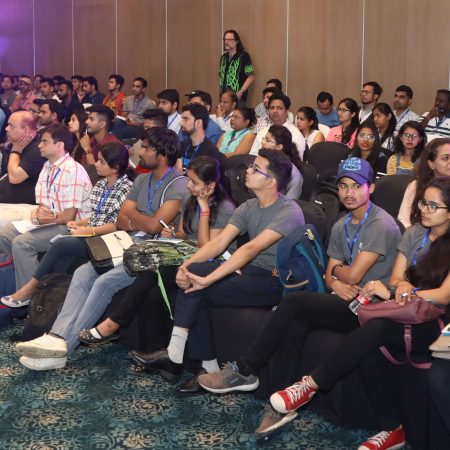
Attendees can compare speaker perspectives, review the multi-day agenda, and use the event platform to organize their learning around specific goals. Creating an account or logging in can help users engage with the conference experience while they explore sessions relevant to cloud deployment and modern software delivery.
Move from manual Azure provisioning to a versioned, reviewable deployment definition. Start with one environment, write down its desired state in Bicep or an ARM template, validate the change through a pipeline, and expand the pattern as the team gains confidence. The conference material can serve as a practical starting point for building that path toward dependable cloud automation.








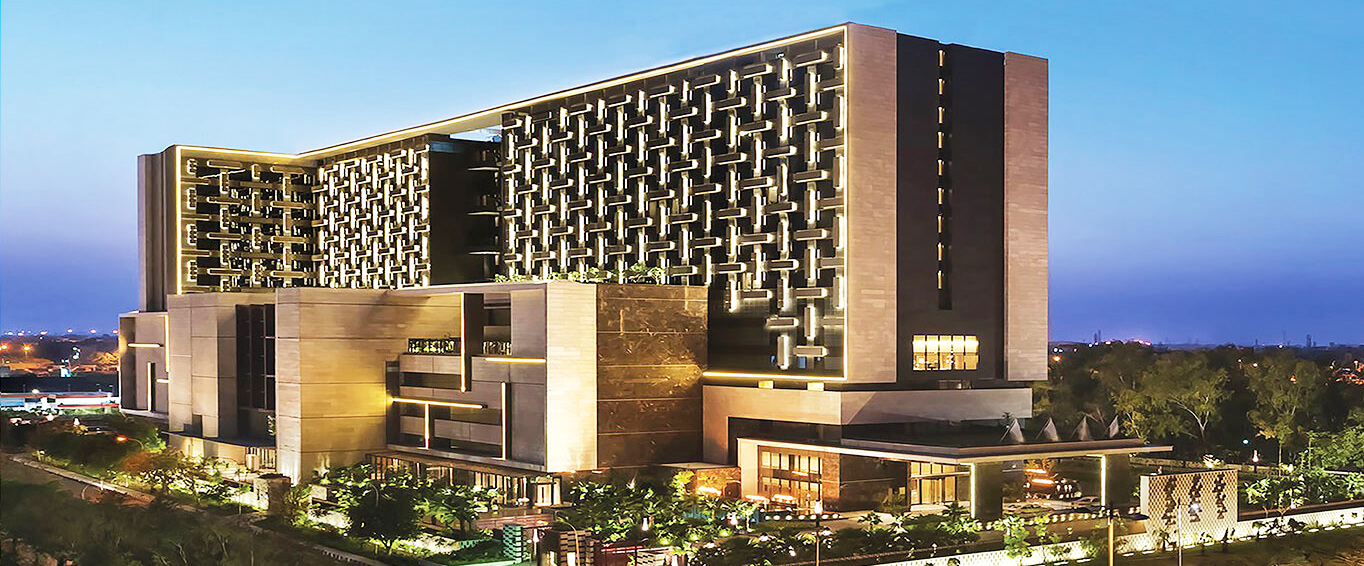
1, CBD, Maharaj Surajmal Road, Near Yamuna Sports Complex, Delhi, 110032



GENERAL QUERIES
Manish Tewatia
manish@csharpcon.com
+91-9718-431-042
TICKET QUERIES
Atul Gupta
conference@csharpcon.com
+91-9910-125-804